


Blog Tag
Showing 76-90 of 91.
SOLIDWORKS Error
Tech tips and tutorials for dealing with common SOLIDWORKS errors
Is that SOLIDWORKS PDM Access Error or Poor Vault Performance a sign of a Full Drive?
When access errors start to occur,the cause may not be a connection issue between the client and the server. Even…

SOLIDWORKS PDM Error: ‘No database is connected to this view’ Adobe Reader XI (11.0.7)
When using SolidWorks Enterprise PDM the ‘No database is connected to this view’ error message may appear when opening a PDF from multiple…

SOLIDWORKS PDM Could not access the item in the database
The error message “Could not access the item in the database” can be the result of a number of issues….
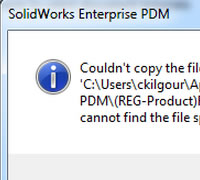
SOLIDWORKS PDM Cannot Find File Error when starting a New Part with a Vaulted Template
Many organizations will store their SOLIDWORKS templates in their SOLIDWORKS Enterprise PDM vault. On occasion a user will receive the following EPDM…

SolidWorks Tutorial – Import Diagnostics (3) – Troubleshooting and Healing [VIDEO]
This is the third in a series of articles focused on troubleshooting and healing topological errors from geometry imported in SolidWorks. As…
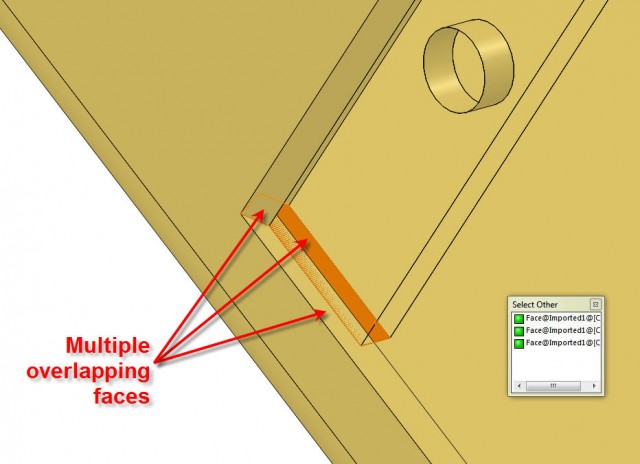
SolidWorks Tutorial: Import Diagnostics (2) – The Manual Healing Technique [VIDEO]
This is the second in a series of articles focused on troubleshooting and healing topological errors from geometry imported in SolidWorks. Yesterday we…

SolidWorks Tutorial: Import Diagnostics (1) – “Face Piercing Through Solid” Error [VIDEO]
This week, we will post a series of articles focused on troubleshooting and healing topological errors from geometry imported in…

SOLIDWORKS PDM login operation failed. Could not access the item in the database
SOLIDWORKS PDM Login issues can often be the result of communication issues between the server and the client. A ping…
SOLIDWORKS Replace Sketch Entity [VIDEO]
Doesn’t matter if you are The Company Owner, a Manager, a SolidWorks Expert or just a SolidWorks Beginner, you will be extremely…

Destroy Deleted Files to Avoid Duplicate File Errors in SOLIDWORKS PDM
You attempt to check in a SOLIDWORKS PDM file, but you receive a message that ‘a file with this name…
Imported Bodies Video Series – 1. Troubleshooting an Imported Model [VIDEO]
There are lots of reasons why models imported in SolidWorks from IGES, STEP or Parasolid files have topological errors. The simplest…
Solve Errors and Save Time by Replacing Mate Entities in Bulk [VIDEO]
When entities referred in existing mates (faces, edges, vertices, planes) change, the result is often a long list of errors…

SOLIDWORKS Database is Missing! Complete functionality will not be available?
Have you ever seen these messages before when launching SOLIDWORKS? SolidWorks Database Missing. Complete functionality will not be available. Or what…

Controlling SOLIDWORKS Warning and Error Messages
On top of adding a lot of new functionality and enhancing the user experience for the latest release of SOLIDWORKS, the developers dedicated…
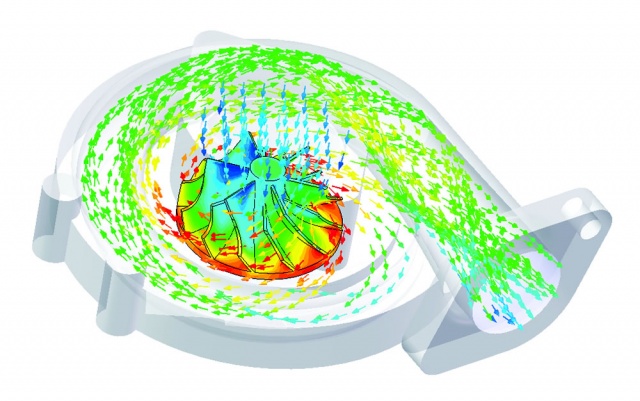
SOLIDWORKS Flow Simulation Error: “Face is not laying on the boundary between the solid and fluid region.”
Usually when you receive the SOLIDWORKS Flow Simulation Error: Face is not laying on the boundary between the solid and…