


Blog Tag
Showing 1-15 of 626.
SOLIDWORKS Video
SOLIDWORKS Video Tech Tips and Tutorials from the Javelin team
How to Create a Sphere in SOLIDWORKS | Three Different Methods
Using Detail and Section Views to Add Intelligence to SOLIDWORKS Drawings
SOLIDWORKS Tech Tip & On-demand Webinar Videos

SOLIDWORKS Automation for Library Features using DriveWorks
One of the most powerful use cases for SOLIDWORKS automation in your design process with DriveWorks is through the Insert…

How to Get the Most Out of Your DriveWorks Implementation
Implementing a new software package is more than just installing license keys and diving in without training. Maximizing the efficiency…

Getting to Know the Loft Feature to Take Your Modeling to New Heights
Creating complex and smooth transitions between different shapes is a crucial skill in 3D modeling, and SOLIDWORKS offers a powerful…

Increase Your SOLIDWORKS Assembly Speed by Hiding Lightweight Mode
Lightweight Mode was added to SOLIDWORKS a long time ago to help assemblies open faster. It does an exceptional job…

SOLIDWORKS Simplified Interface: A Welcome Setting for New Users
New to SOLIDWORKS and feeling overwhelmed by the number of tools and tabs to learn? Don’t fret, we have a…

Understanding 6W Tags on the 3DEXPERIENCE Platform
The 3DEXPERIENCE platform is an all-in-one cloud-based CAD, storage, and collaboration platform. You can design online with browser-based CAD tools…

Letting the SOLIDWORKS Calculator Work for You
A common SOLIDWORKS rookie mistake is not using the SOLIDWORKS Calculator and relying on an external one when placing dimensions with calculations.

Opening a Drawing with SOLIDWORKS Detailing Mode
One of the biggest benefits of taking certified, instructor-led SOLIDWORKS training is the knowledge shared by our team to help…

Align Your First SOLIDWORKS Sketch to Origin
Not relating your first SOLIDWORKS sketch to origin leads to confusion and often requires the time-consuming process of refactoring your model later when errors occur. Watch the video to learn more.

SOLIDWORKS Rookie Mistake: Not Using the Mouse to Pan in SOLIDWORKS
A common SOLIDWORKS rookie mistake is using the mouse wheel far too often to navigate the graphics area. Discover the best ways to pan in SOLIDWORKS.

DriveWorksXpress: Choosing the Best Form Controls
DriveWorksXpress automates the generation of SOLIDWORKS models and drawings by creating variations of a master model.

SOLIDWORKS PDM 2025
Enhancements to SOLIDWORKS PDM 2025 streamline accessibility, help you better understand assembly structures, and improve revision management.

SOLIDWORKS Visualize 2025
SOLIDWORKS Visualize 2025 improves output with immersive rendering. Leverage the latest advancements in GPU technology with real-time, interactive ray tracing. Generate high-quality 3D assets on any device with the ability to export glTF™ files.

SOLIDWORKS 2025 Sheet Metal & Fabrication
Take a look at What’s New in SOLIDWORKS 2025 sheet metal, weldments and structure systems.
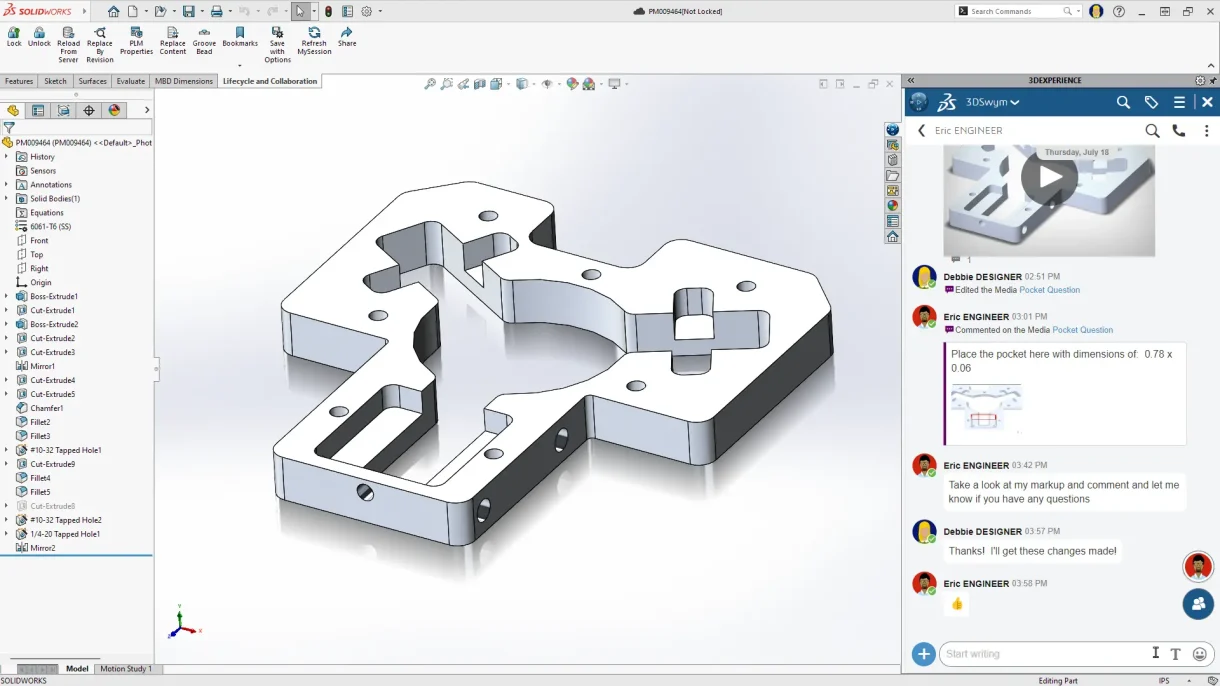
SOLIDWORKS 2025 Collaboration & Data Management
Deliver innovative products faster with improved SOLIDWORKS 2025 collaboration and data management capabilities, such as connecting and collaborating easily with industry peers directly from inside SOLIDWORKS