


Blog Tag
Showing 31-45 of 244.
Drawing
Drawing tech tips and tutorials from the Javelin team
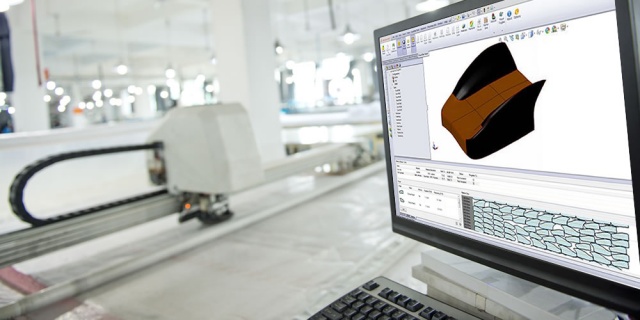
SOLIDWORKS and ExactFlat are the Perfect Fit for the Textile Industry
In the textile industry it has always been a tedious and manual process to get a proper material pattern out of…

The Steel Detailer (VIDEO Series 1 of 3)
https://youtu.be/eKc8lN2bmyI Steel construction with the familiarity and flexibility of SOLIDWORKS “The Steel Detailer is an add-on for SOLIDWORKS which allows structural and…

How to show a Decal in a SOLIDWORKS HLR Drawing View
Every so often with SOLIDWORKS we run into some great functionality who’s limitations leave us feeling a little flat… (Pun Intended)…

SOLIDWORKS 2016 Sheet Scale Control in Status Bar
Starting with SOLIDWORKS 2016, working with drawings is a little easier. In previous versions of SOLIDWORKS, the Status Bar showed…

My SOLIDWORKS Detail View Circle is stuck?!
We all have moments where we’re in a bit of a rush and accidentally end up with some unintended consequences….
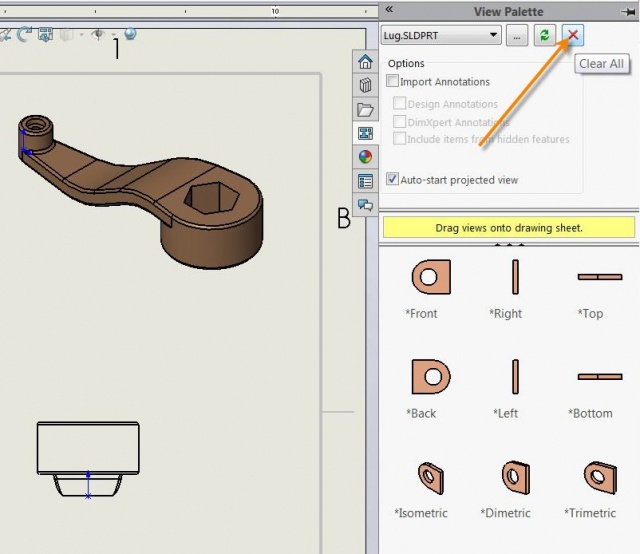
My SOLIDWORKS Drawing Pack and Go has an Extra File Reference!?
On rare occasions, you may see an extra referenced model when making a Drawing Pack and Go, even if the model…

How to Increase System Performance using SOLIDWORKS Decals
If you are designing something in SOLIDWORKS that has moving components, electrical or heat sources, or any other type of…

How to Add a Watermark to your SOLIDWORKS Drawing
Perhaps there are times when you want to add a watermark to your SOLIDWORKS Drawing. Let’s say you want to have a “CONFIDENTIAL” stamp on…

SOLIDWORKS Quick Trick: Sketching Lines using Ctrl and Shift
Okay, sketching lines may not seem like a particularly advanced trick, but there are a few subtle things you can…

How to learn SOLIDWORKS when you can’t attend a training class?!
You probably have big plans to learn SOLIDWORKS, gain new skills, and become a better user. You likely want to spend a…

Javelin’s Top 10 SOLIDWORKS Tips in 2015
The Javelin Technical Team has been hard at work in 2015 creating nearly 300 SOLIDWORKS Tips! The year is nearly over and we want…

SOLIDWORKS 2016 Select Midpoints with Dynamic Highlighting
Sometimes you need to add a relation to the midpoint of a sketch line or a model edge. In past…

Migrating to SOLIDWORKS PDM Standard or Professional
Loading files into SOLIDWORKS PDM Standard or Professional can be very easy. Because the PDM tools are built on Windows Explorer…

SOLIDWORKS 2016 Dimensioning Pre-Selected Entities
This is the third article from the “What’s Really New in SOLIDWORKS 2016” series, where we continue to extensively test…

SOLIDWORKS Stacked Balloons Manipulation
SOLIDWORKS 2016 introduces the ability to rearrange stacked balloons manually. Individual balloons and flag notes can be dragged into and…