


Javelin / TriMech Author

Ben Crisostomo
Using SOLIDWORKS Sketch Ink in Your Workflow
 By Ben Crisostomo on August 5, 2019
I’ve always used a tablet ever since I took my first graphics arts class back in high school. I’ve found it to be an invaluable tool over the years, helping me with the creative process. When I found out that SOLIDWORKS has integrated tools that…
Utilize Touch Mode in SOLIDWORKS for Touchscreen Computers
By Ben Crisostomo on August 1, 2019
More and more, we run into touch screens. Laptops and monitors are starting to come standard with touch capability. I’ve had a touch screen on my computer, and for a while, it hadn’t occurred to me use it in SOLIDWORKS. So when I did, I…
How to sync SOLIDWORKS Composer sub-assemblies with SOLIDWORKS
By Ben Crisostomo on July 30, 2019
If you use SOLIDWORKS Composer in tandem with SOLIDWORKS Mechanical Design to generate the models, chances are that you have had difficulty updating the Composer file after an update in a sub-assembly. In this article, we will explore a way to set up your Composer…
Image Considerations when using SOLIDWORKS AutoTrace to Create Sketches
By Ben Crisostomo on July 9, 2019
Adding a logo to your design is an excellent way to creating brand awareness and reaping the benefits of product placement, whether laser cutting it into a Muskoka chair, or punching it into a piece of sheet metal. The SOLIDWORKS AutoTrace feature can be used…
Creating a BOM with Part & Assembly Actors in SOLIDWORKS Composer
By Ben Crisostomo on May 31, 2019
When working in SOLIDWORKS Composer, there might be a situation were the information that is being expressed in the Bill of Materials (BOM) come from both the part & assembly level. In the article ‘How to create an Assembly Level BOM‘, we learned how to…
Creating a Checklist for Dangling Dimensions in Drawings using the SOLIDWORKS Design Checker
By Ben Crisostomo on April 26, 2019
One of the most common drawing questions that users ask if there is a way to list all the dangling dimensions that are in their SOLIDWORKS drawings. Looking for them on a couple of sheets with simple parts is not so bad, but what happens…
Using Geodesic Offsets on Complex Curves in SOLIDWORKS
By Ben Crisostomo on April 25, 2019
My architect friend was recently commissioned to design a community center. His client’s mandate was that the building had to be pointing to a monument on the other side of the world. My friend did not see this as a problem and proceeded to design…
How to Automate Bend Allowance in SOLIDWORKS 2019
By Ben Crisostomo on April 16, 2019
In SOLIDWORKS 2019, setting up sheet metal parts has become a bit easier, making it possible to automate bend allowance selection by linking materials & sheet metal parameters. With the use of custom materials, you can set the bend allowances to change based on a…

Wouldn’t it be nice to give your model a sense of depth by adding 3D textures, maybe a surface with seemingly random bumps to make the part look more organic, or applying a random pattern full of different shapes and elevations that would seem impossible…
Getting to the Point is Easier with SOLIDWORKS Rx 2019
By Ben Crisostomo on January 14, 2019
Running into an error or unexpected behavior is never a welcomed event by most users, and when a solution is not self evident, it is important to create a SOLIDWORKS Rx file so that your VAR’s technical support team has all the information to make…
Opening Large Assemblies in SOLIDWORKS Composer
By Ben Crisostomo on December 31, 2018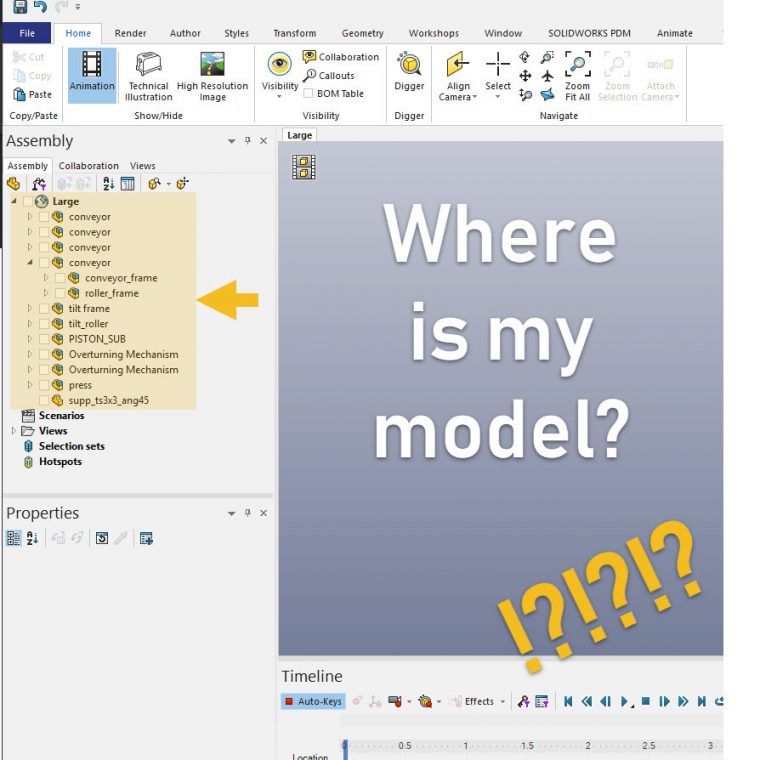
SOLIDWORKS Composer works hand in hand with SOLIDWORKS CAD by converting part and assembly files to workable models for documentation. The process is relatively straight forward, but when working with SOLIDWORKS large assemblies, there are a few things to keep in mind when converting them…
Setting up a Static Simulation on SOLIDWORKS Weldments
By Ben Crisostomo on November 27, 2018
When working with large assemblies, you may want to run a static simulation on a sub-assembly and you are faced with the error “Load/Restraint cannot be applied to the beam face, edge, or vertex” as seen in the picture below when applying fixtures & external…
How to Insert a Part Specific Configuration in SOLIDWORKS 2019
By Ben Crisostomo on November 18, 2018
In SOLIDWORKS 2019, additional functionality has been added to the Insert Part feature. It will now be possible to insert a part with a specific configuration into another part! Part Specific Configuration allows for greater customization when using configurations within a part file. Let’s take…
How to add Custom Information to a SOLIDWORKS Balloon
By Ben Crisostomo on October 31, 2018
When adding a SOLIDWORKS balloon to a Drawing there is an option to show the quantity of the part. This a great way to give the reader additional information quickly, but what if you want to show other model details in the balloon, for instance the…
Make your Tables Pop with the Cell Border Thickness Feature in SOLIDWORKS 2019
By Ben Crisostomo on October 13, 2018
When it comes time to create drawing documentation for large and complex assemblies, we are often met with SOLIDWORKS tables that reflects that. So, it can be daunting for end users to sift through drawings trying to find corresponding part information. That is why with…