


Blog Category
Showing 16-30 of 51.
DraftSight
Technical Tips and Tutorials for the DraftSight DWG Editor from Dassault Systemes
The Best Features in DraftSight 2026
 By Mike Walloch, CSWE on April 13, 2026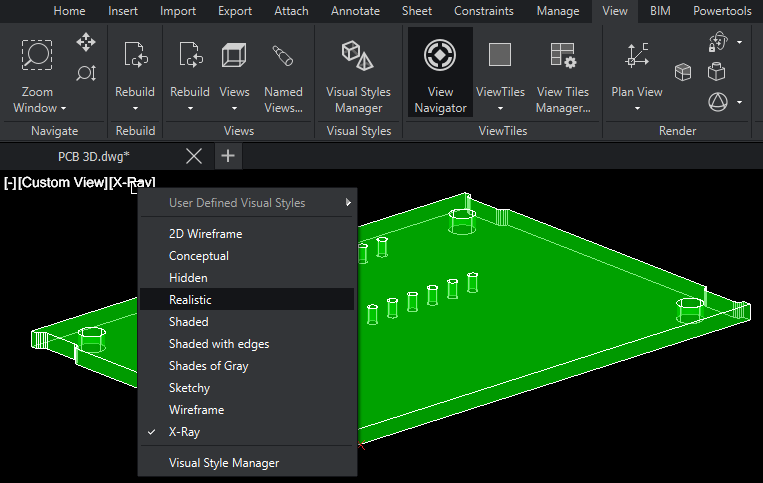
DraftSight 2026 has added a host of new features and enhancements to improve your productivity. Most of these features dropped during the 2026 launch, but keep your eye open for future enhancements through service pack…
Introducing the Start Page in DraftSight 2026
By Mike Walloch, CSWE on March 16, 2026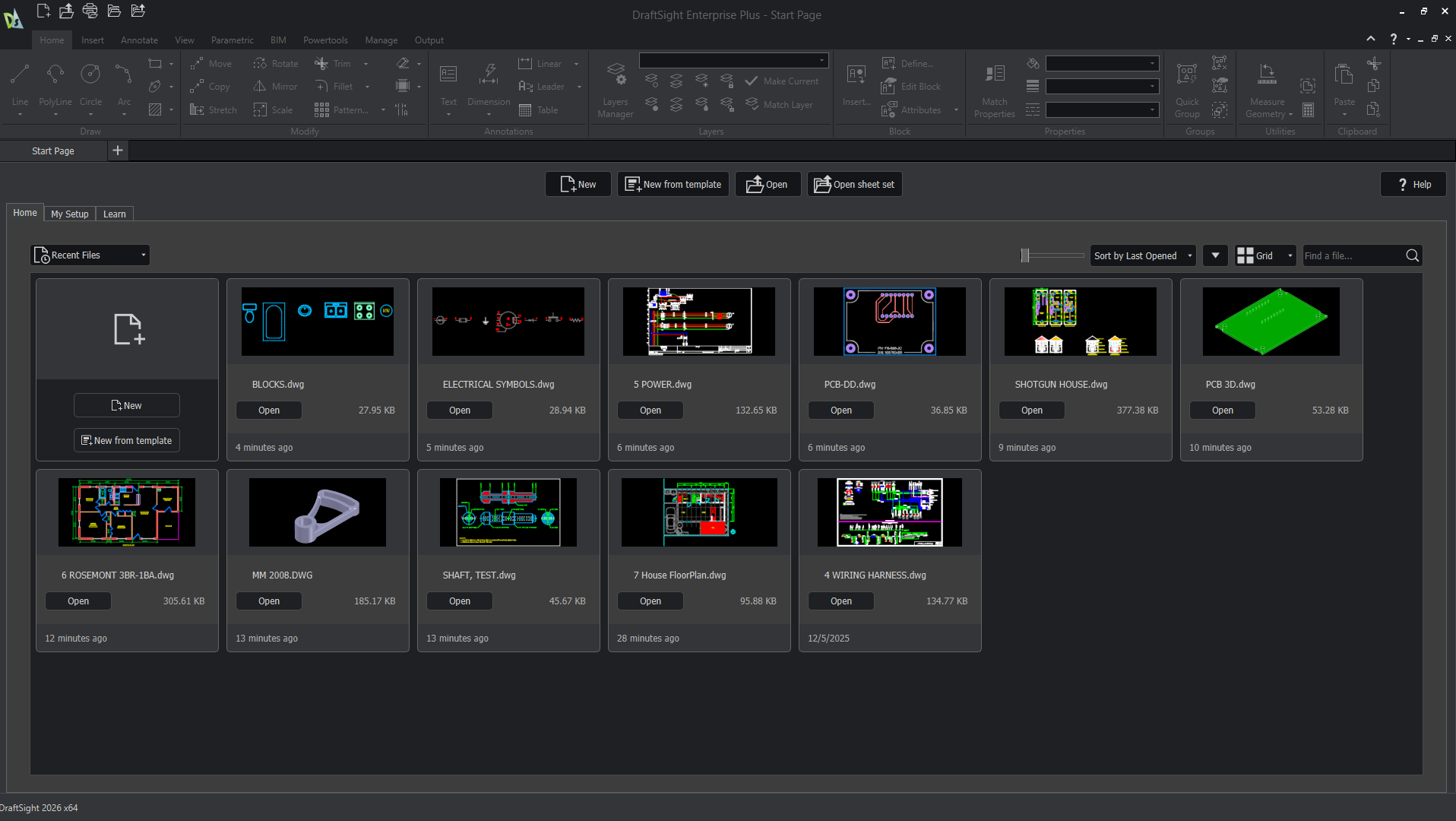
Before DraftSight 2026, users were met with an empty drawing when launching the software. While this can let you immediately start a new drawing or navigate elsewhere, beginners would be left without much guidance. For…
Understanding The Hatch and Fill Area Commands in DraftSight
By Mike Walloch, CSWE on February 4, 2026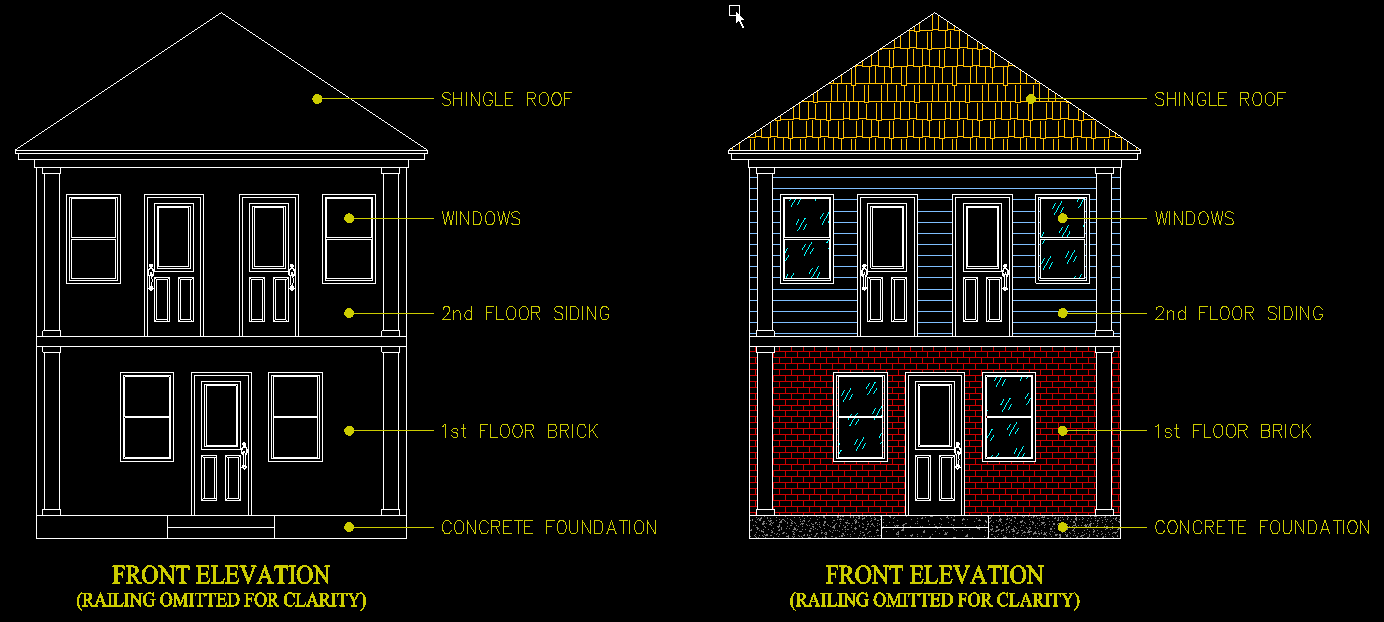
There have been some big changes to Hatches, Color Fills, and Gradients in recent DraftSight updates. These Hatch entities are more robust, with more options to make our drawings ‘pop’ with top-notch visual effects than…
How to Use Block Attributes, Linked Fields, and DIESEL Expressions in DraftSight 2026
By Mike Walloch, CSWE on January 14, 2026
Similar to notes, tools like fields, block attributes, and DIESEL expressions are available text options in DraftSight 2026. They’re also top-notch automation tools that will save you a ton of time and effort. Text on…
AutoCAD vs SOLIDWORKS – Back to the Future of Design
 By Ray Morrogh on June 23, 2025
In a comparison of AutoCAD vs SOLIDWORKS use cases and functionality we provide a detailed breakdown of choosing between 2D and 3D.
Attend DraftSight LIVE at 3DEXPERIENCE World 2025
 By Erin Elliott on November 26, 2024
Discover three reasons to register and attend DraftSight LIVE at 3DEXPERIENCE World, taking place February 23-26, 2025 in Houston, Texas.
 By
By 
The latest enhancements in DraftSight 2025 are designed with efficiency in mind, promising to save time and increase productivity.

Here we discuss an oft-needed technique in DraftSight, Printing Multiple Sheets to PDF
 By
By 
Learn the steps to creating DraftSight print configurations to use with an already created title block placed on the Layout.
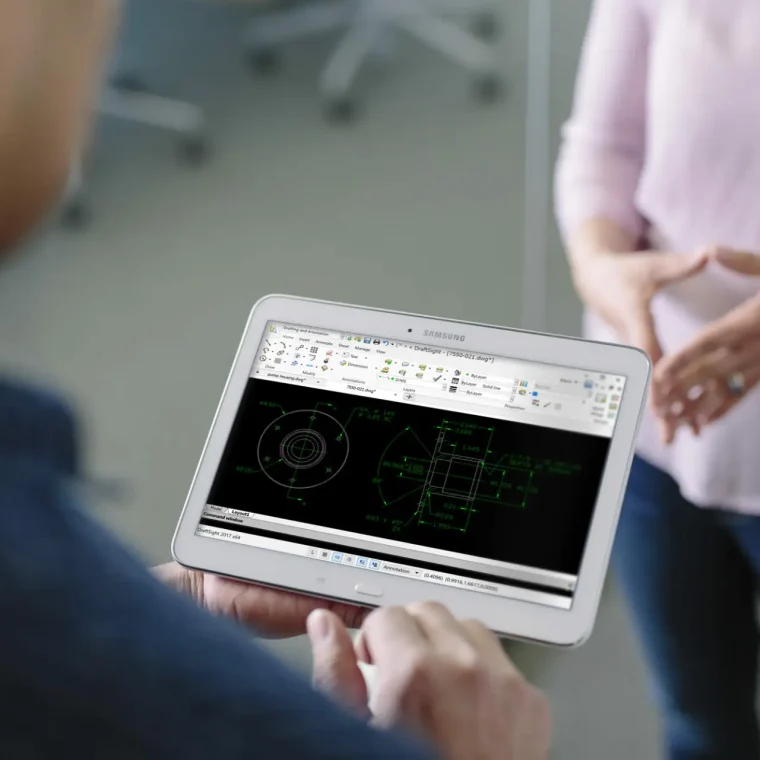
Going from AutoCAD to DraftSight offers us new tools but does the same job with more convenient licensing options and all at a fraction of the price.

As a DraftSight expert with TriMech, I’m frequently asked which DraftSight licenses would best suit a particular client. Dassault Systèmes provides us with a wealth of choices rather than the exclusive one-size-fits-all approach other companies…

DraftSight users now have the chance to earn DraftSight certification! The Certified DraftSight Associate (CDSA) has been added to the roster of available certifications. Read on to learn more about it, and how to get it.
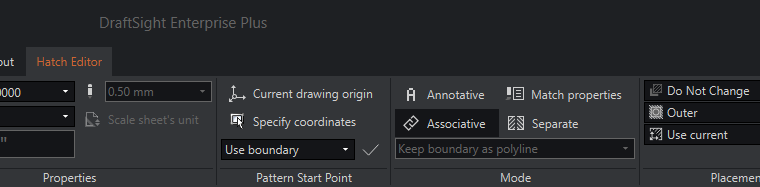
DraftSight makes hatching a drawing quick and easy, especially compared to the ancient era of the drafting board when every single hatch line had to be drawn by hand. I can tell you from thankfully…

DraftSight gives us multiple ways to enter and display coordinates. This ensures we can position entities exactly where we want them. Of course, you can also just select points on the screen using the Snap and Grid, or completely freehand.
How to confirm your DraftSight Enterprise serial number
 By John Lee, CSWE on September 13, 2023
The DraftSight Enterprise serial number is recorded only on the network license server. For details, read on. At times when troubleshooting your DraftSight Enterprise installation with your reseller, you may be asked to confirm which…

Design Services
From concept to manufacturing to scale, TriMech Design Services helps makers, startups, inventors, small manufacturers get to market.
Most Popular Posts

SOLIDWORKS 2024 Hardware Recommendations
TriMech has compiled this recommended SOLIDWORKS 2024 hardware guide to aid you in the process of upgrading or purchasing new hardware for SOLIDWORKS.

IMPORTANT! Transfer Activation Prior to Upgrading to SOLIDWORKS 2024
Prior to installing SOLIDWORKS 2024, you need to transfer activation from your prior release of SOLIDWORKS to ensure it’s available to activate SOLIDWORKS 2024.

SOLIDWORKS Packages Comparison
What is the difference between SOLIDWORKS® Standard, Professional and Premium 3D CAD software? Learn about the features included in each of the three SOLIDWORKS offerings.