


Blog Tag
Showing 76-90 of 379.
SOLIDWORKS Drawing
SOLIDWORKS Drawing Tech Tips and Tutorials from Javelin experts. Learn about the best practices and procedures for creating and managing drawings more effectively with SOLIDWORKS software.

SOLIDWORKS 2018 Drawing Area Hatch applied to Layer
SOLIDWORKS 2018 Drawing Area Hatch can now be assigned to a specific layer. This provides more control over the colour of…

How to show SOLIDWORKS Sub-weldment Components in a Drawing Cut List
In SOLIDWORKS, a Weldment model usually includes many numbers of components which show in the cut list table. To reduce…

SOLIDWORKS PDM Custom Properties & Sheet Tabs
Drawings do not have sheet specific custom properties and because of this, in the SOLIDWORKS PDM Data Card, their properties…
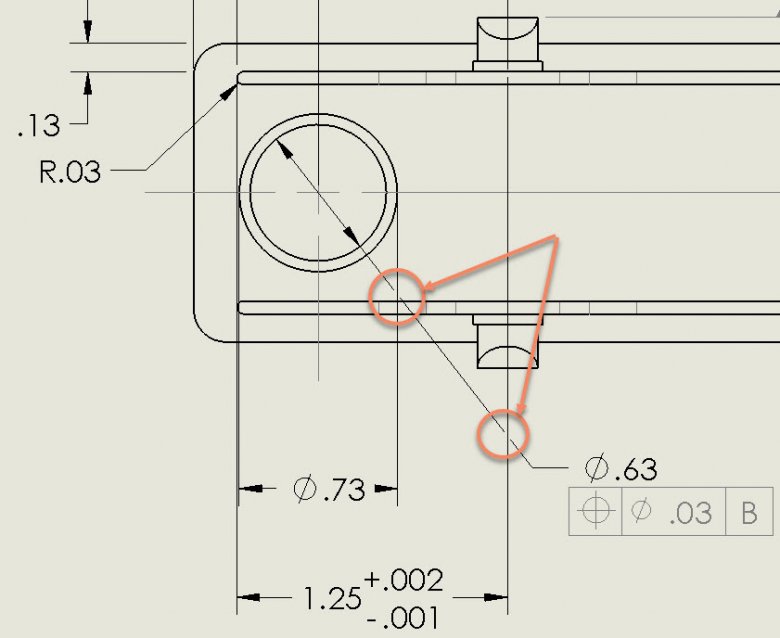
Manipulating SOLIDWORKS Extension Lines in your Drawings
In this article, manipulating SOLIDWORKS extension lines after being added by dimensions is examined. It is shown that the extension…

SOLIDWORKS Multi-sheet Drawing Custom Properties Source
When a drawing annotation has a link to a Custom Property based on the ‘View specified in the sheet properties’,…

How to define a SOLIDWORKS Detail View in a specific shape rather than a circle
When teaching the SOLIDWORKS Essentials course I often get asked “Can you make a SOLIDWORKS Detail View that is not…

Show a SOLIDWORKS Sketch in a Specific Drawing View while Hidden in all other Views
Let’s assume we have a sketch drawn in a part file and we have not used it to create a…

How to modify a SOLIDWORKS Drawing View Scale on the Fly
One of the inconvenient truths of drawings, is that one sheet scale doesn’t necessarily fit every drawing view. While your…

Quickly and Easily Changing the SOLIDWORKS Drawing Scale
I often feel that the best tricks and functionality regarding SOLIDWORKS, or any software package for that matter, are the…

Dimensioning in Style (with SOLIDWORKS Dimension Styles)
Often times, SOLIDWORKS Dimension Styles are passed without notice because it is quite easy to get the job done without…

Solving the SOLIDWORKS Sheet Format could not be located error
You’ve taken the time to make a great drawing sheet format, and applied that format to a sheet in your…
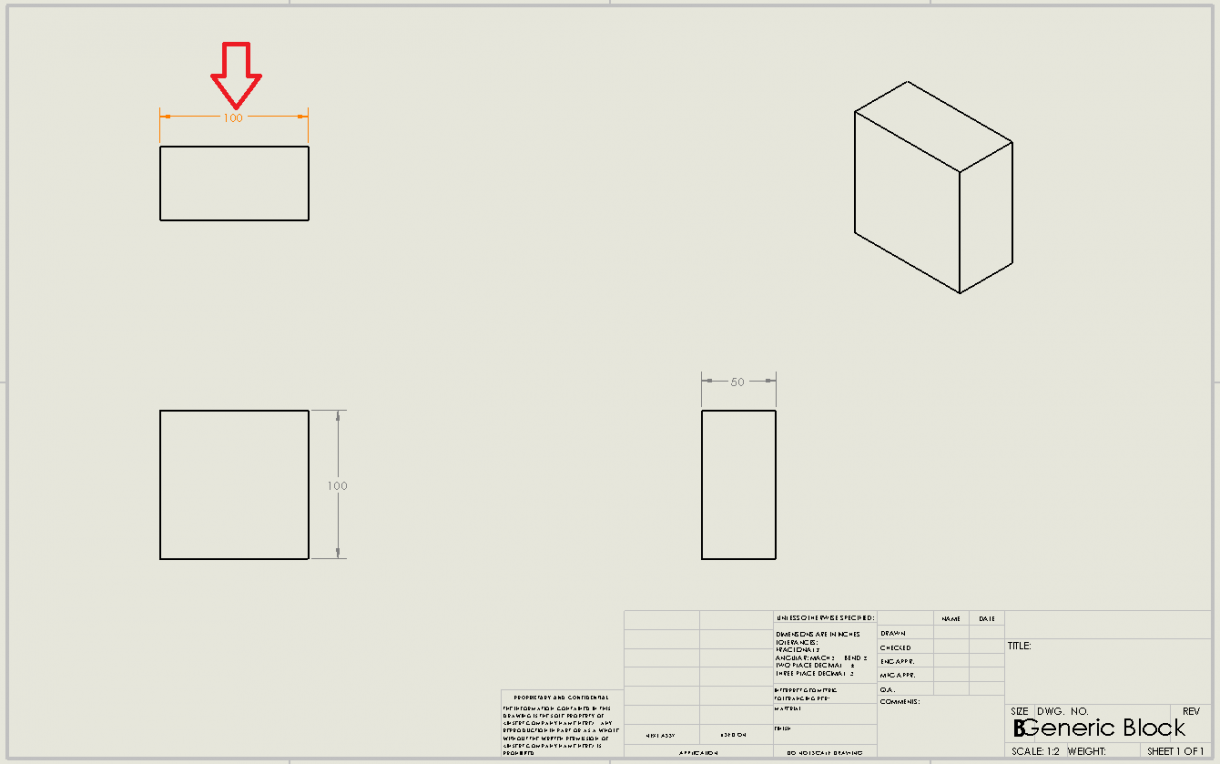
How to easily Identify Revised Dimensions in SOLIDWORKS [VIDEO]
Learn how to easily track revised SOLIDWORKS dimensions by enabling an option that highlights dimensions on a drawing that have…

How to flip a SOLIDWORKS Section View Direction
As a designer or drafter we need to know the correct projection of the orthogonal views in drawings. There are…

Adding SOLIDWORKS Predefined Views to Drawing Templates
When creating drawing templates, you can include a number of settings and options to help customize your template to meet…

Why use SOLIDWORKS Electrical Passive Symbols?
There are instances where some tasks require a representation which do not appear on a BOM, do not have part…