


Blog Tag
Showing 31-45 of 78.
SW2016
SOLIDWORKS 2016 (#SW2016) tech tips and tutorials from the Javelin team
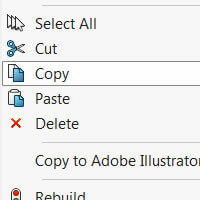
SOLIDWORKS 2016 Copy & Paste Components with Mates
In SOLIDWORKS 2016 you can now copy and paste multiple components at the same time and any mates that exist…

Be extremely careful when using the new SOLIDWORKS PURGE command
This is the fourth article from the “What’s Really New in SOLIDWORKS 2016” series, where we continue to extensively test…
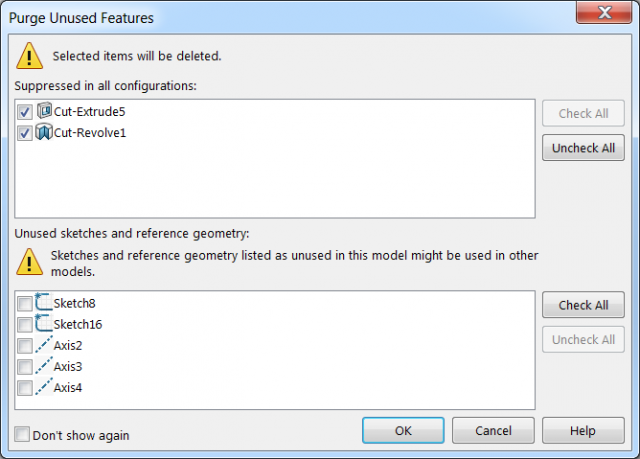
SOLIDWORKS 2016 Purge Unused Features
A new command has been introduced for SOLIDWORKS 2016 that allows you to Purge unused features from a part or assembly document….

SOLIDWORKS Command Manager Lock
Have you ever tried picking a command from the SOLIDWORKS Command Manager only to accidentally drag the manager into the graphics…

SOLIDWORKS 2016 Component Visibility Toggle
New in SOLIDWORKS 2016 is the ability to toggle the visibility of assembly component solid and surface bodies by moving…

SOLIDWORKS Confirmation Corner & Breadcrumbs with the ‘D’ key
To help speed up your workflow in SOLIDWORKS the Confirmation Corner can now be more readily accessed at the mouse…

SOLIDWORKS 2016 Instant2D for changing Sketch Dimensions
SOLIDWORKS 2016 introduces Instant2D to dynamically manipulate sketch dimensions in sketch mode. You can click a dimension and quickly change its value…

SOLIDWORKS Stacked Balloons Manipulation
SOLIDWORKS 2016 introduces the ability to rearrange stacked balloons manually. Individual balloons and flag notes can be dragged into and…

SOLIDWORKS 2016 Top 10 List [VIDEO]
SOLIDWORKS 2016 is packed with new, customer-focused enhancements. Whether you design single components, incredibly complex equipment, or even entire facilities, SOLIDWORKS…
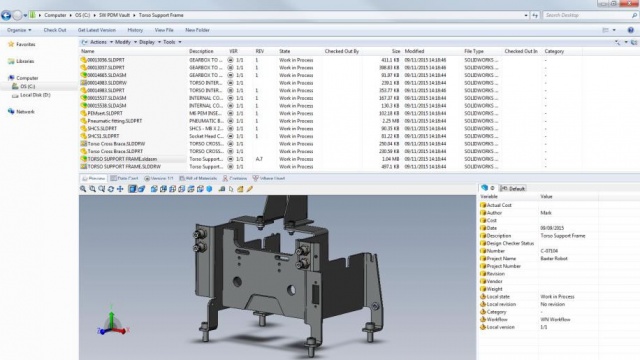
Why is SOLIDWORKS 2016 PDM Standard not available to install?
Now that SOLIDWORKS 2016 SP0 is available, a NEW PDM tool is also available to eligible customers, SOLIDWORKS 2016 PDM…

SOLIDWORKS Nonlinear Simulation 2016 Releasing Prescribed Displacement
The better simulation software is the one with more capability to mimic the realistic engineering phenomena. Imagine that you have…

SOLIDWORKS Additive Manufacturing & 3D Printing Essentials Course
As you would have discovered during our recent SOLIDWORKS 2016 Launch Event Broadcast 3D printing your CAD models with SOLIDWORKS is now much…

SOLIDWORKS 2016 Demo and Launch Event Proceedings
A big thank you to all our customers that tuned in for the Canadian SOLIDWORKS 2016 Launch Broadcast in October. We…

What is SOLIDWORKS PDM Standard?
SOLIDWORKS PDM Standard is the new document management tool that is being released with SOLIDWORKS 2016, it works in a…

Testing SOLIDWORKS 2016 Video Series #1 Convert Entities Tool
By now you have probably already read the What’s New in SOLIDWORKS 2016 document, have watched the official launch videos…