


Blog Category
Showing 31-45 of 296.
SOLIDWORKS Simulation
Tech Tips and Tutorials for SOLIDWORKS Simulation, FEA, and CFD Applications
Simulating Free Surface Flow with SOLIDWORKS Flow Simulation
 By Suman Sudhakaran on March 30, 2026
Free surface flow occurs when a fluid interacts with an open boundary, such as water crashing on a beach or sloshing in a moving container. It typically occurs at the interface between immiscible fluids (liquids…
Evaluating Angular Deformation using SOLIDWORKS Simulation
By Suman Sudhakaran on February 16, 2026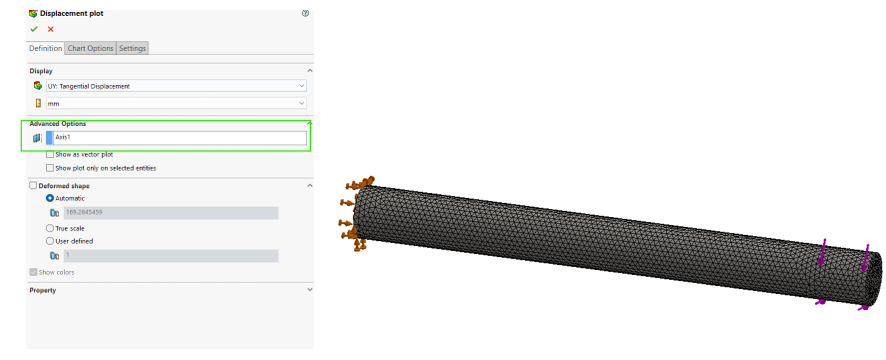
When post-processing simulation results, we may want to evaluate the angular displacement of components. Angular deformation represents the rotational displacement of a body or region about a defined axis under applied loads. This is particularly…
Modeling Thermoelectric Coolers in SOLIDWORKS Flow Simulation
By Suman Sudhakaran on February 11, 2026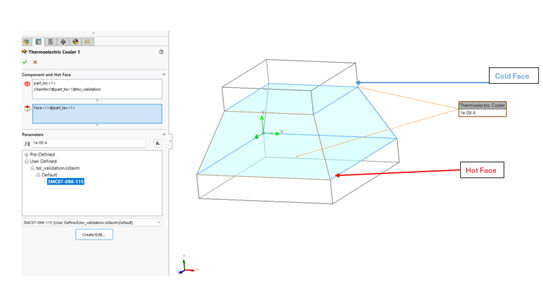
The Peltier effect is a phenomenon observed in thermoelectric coolers when an electric current is maintained in a circuit of two dissimilar conductors. This results in the cooling of one junction and heating of the…
Solving the “Face is not laying on the boundary between the solid and fluid region” Error
 By David Arthur, CSWE-S on November 28, 2025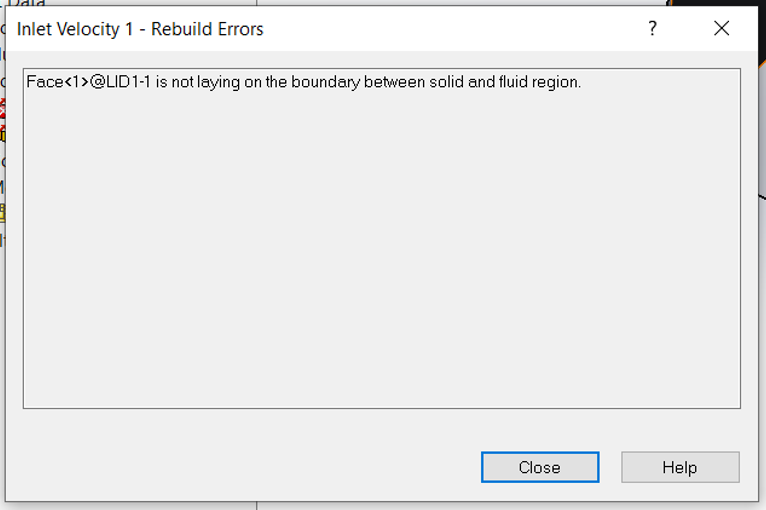
When trying to validate a boundary condition in SOLIDWORKS Flow Simulation, we may get an error stating “Face is not laying on the boundary between the solid and fluid region”. Typically, there are three main…
Using SimulationXpress for Free FEA Analysis
 By Ryan Burgess on November 26, 2025
SOLIDWORKS SimulationXpress is a powerful yet accessible tool for structural simulation and validation. Whether you are new to finite element analysis (FEA) or just curious about how loading might affect your model, SimulationXpress offers a great starting point to run first-pass FEA analysis on SOLIDWORKS parts.
SOLIDWORKS Simulation 2026 Hardware Recommendations
 By TriMech Solutions, LLC on November 24, 2025
The SOLIDWORKS Simulation 2026 hardware recommendations provide best practices and details on specific hardware components. Depending on the complexity of the simulation study and your current system resources, you may want to consider upgrading when you move to SOLIDWORKS 2026.
Using FloXpress for Free CFD Analysis
By Ryan Burgess on November 18, 2025
FloXpress is a powerful yet accessible tool for fluid flow simulation. Whether you are new to computational fluid dynamics (CFD) or just curious about how fluids might behave in your model, FloXpress offers a great…
Drop Testing Simulation For IEC 60601 Certification Compliance
 By Alaa Hosn on November 12, 2025
SOLIDWORKS Simulation provides an environment where validating designs begins earlier in the design process. This allows designers to catch critical mistakes and make changes before any costly prototypes or certification procedures. A failed certification can…
Solar Radiation in SOLIDWORKS Flow Simulation
By Suman Sudhakaran on October 9, 2025
When designing outdoor electronics, building facades, or any object exposed to the sun, solar radiation is a critical heat source that can dramatically change your product’s lifespan. Knowing how the sun’s power affects your design…
Working With Composite Materials in SOLIDWORKS Simulation Premium
By Suman Sudhakaran on September 30, 2025
Composite materials, known for their superior strength-to-weight ratio, continue to revolutionize industries from aerospace to automotive. They are made of two or more constituent materials with different properties whose combination results in enhanced material characteristics…
Using SOLIDWORKS Visualize to Render a SOLIDWORKS Motion Study
 By Aleksandar Tepsic on September 19, 2025
Motion studies in SOLIDWORKS Motion Simulation inject life and movement into our models through realistic physics-based motion analysis. Pairing motion studies with photorealistic animation rendering using the seamless connection between SOLIDWORKS and Visualize Professional takes…
Using SOLIDWORKS Motion to Setup the Perfect Disc Golf Shot
By Alaa Hosn on September 9, 2025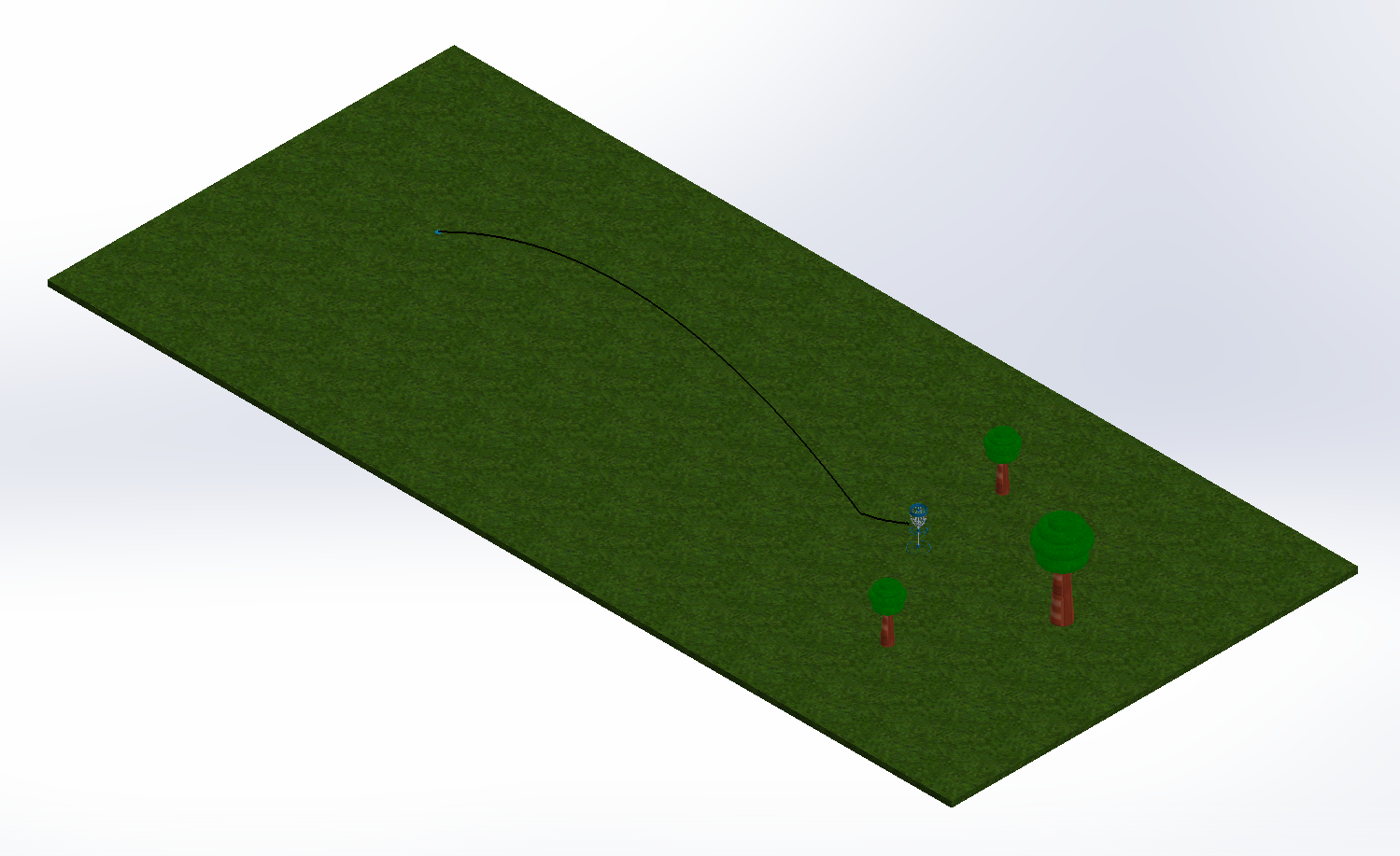
SOLIDWORKS Motion is a powerful software to help users visualize the motion of a design. This tool provides a graphical simulation that analyzes the impact of forces such as springs, dampers, gravity, and friction. Anything…
How No-Code AI Tools Are Transforming Engineering Design and Simulation
By Suman Sudhakaran on July 31, 2025
As simulation becomes more central to product development, the demand for faster, more accessible workflows is growing. Engineers are increasingly looking for ways to reduce the time and expertise required to run complex simulations without…
Using SOLIDWORKS Motion to Accurately Model a Disc Golf Basket Chain
By Aleksandar Tepsic on July 28, 2025
In our previous article, the disc golf basket was modeled in SOLIDWORKS using a top-down approach, weldments, and a skeleton sketch in the assembly to mate all the components together. By referencing the geometry in…

To really master simulations, it’s important to know how and when to use SOLIDWORKS Simulation mesh refinement. At a very high level, meshes can be defined as the small computational elements that break a model into simpler parts for calculations.

Design Services
From concept to manufacturing to scale, TriMech Design Services helps makers, startups, inventors, small manufacturers get to market.
Most Popular Posts

SOLIDWORKS 2024 Hardware Recommendations
TriMech has compiled this recommended SOLIDWORKS 2024 hardware guide to aid you in the process of upgrading or purchasing new hardware for SOLIDWORKS.

IMPORTANT! Transfer Activation Prior to Upgrading to SOLIDWORKS 2024
Prior to installing SOLIDWORKS 2024, you need to transfer activation from your prior release of SOLIDWORKS to ensure it’s available to activate SOLIDWORKS 2024.

SOLIDWORKS Packages Comparison
What is the difference between SOLIDWORKS® Standard, Professional and Premium 3D CAD software? Learn about the features included in each of the three SOLIDWORKS offerings.