


Blog Category
Showing 1-15 of 2,523.
SOLIDWORKS Tech Tips
Thousands of SOLIDWORKS Tech Tips created by the team of Certified Experts at Javelin




How to Change Your Email for SOLIDWORKS Accounts
 By Carleigh Amyot, CSWP on October 1, 2025
You might need to change your email for a number of reasons, whether it’s for a rebrand, a new role, or changing companies. No matter the reason, every once in a while, we all need…
Using the SOLIDWORKS PDM Web2 Client for External Access
 By Ryan Burgess on September 29, 2025
Accessing SOLIDWORKS PDM remotely can be done through different means, but ensuring access across many devices, browsers, and operating systems can be done with the SOLIDWORKS PDM Web2 Client. SOLIDWORKS PDM is a powerful tool…
Using Paste as Reference to Create Links Between Files in SOLIDWORKS PDM
 By Sarah Taylor on September 26, 2025
Everyone knows that SOLIDWORKS files are interconnected and fully associative by default. Drawings, Assemblies, and Part files reference one another so that design changes automatically update without having to manually track the modifications through a…
Best Practices for Taming the SOLIDWORKS View Palette
 By Mike Walloch, CSWE on September 25, 2025
SOLIDWORKS has many options designed to increase speed, efficiency, and user convenience. Unfortunately, they aren’t always the same, and improvements in one area can come at a cost in another. Such is the case when…
Your Complete Guide to Import Legacy Drawings from DXF/DWG
 By Jamie Hill, CSWE/CSWE-S on September 24, 2025
A while back, I inherited a project from a retiring engineer who’d been with the company since the ’90s. His desk was a treasure trove of perfectly crafted title blocks and detailed layout drawings, all…
Using Warp Analysis to Fix Your Plastic Parts
 By Suman Sudhakaran on September 18, 2025
In plastic part manufacturing, warpage is a common yet costly issue to fix. Warpage occurs when uneven shrinkage during cooling causes a part to deform from its intended shape. This deformation can lead to assembly…
SOLIDWORKS PDM Task Host Configuration on a Dedicated Computer
 By Kevin Seyler on September 17, 2025
SOLIDWORKS PDM Tasks are automated jobs that PDM can run for you. These tasks can be run on demand from the right-click menu or automatically during workflow transitions. The Task Host can be set up…
How to Move a Standalone SOLIDWORKS Toolbox to a Network Location
 By Scott Durksen, CSWE on September 16, 2025
The SOLIDWORKS Toolbox, included with SOLIDWORKS Professional and SOLIDWORKS Premium licenses, is a powerful library of standard components that engineers can rely on daily. Having multiple users working on assemblies and referencing locally installed Toolbox…
Using Document Groups to Get Organized
By Ryan Burgess on September 12, 2025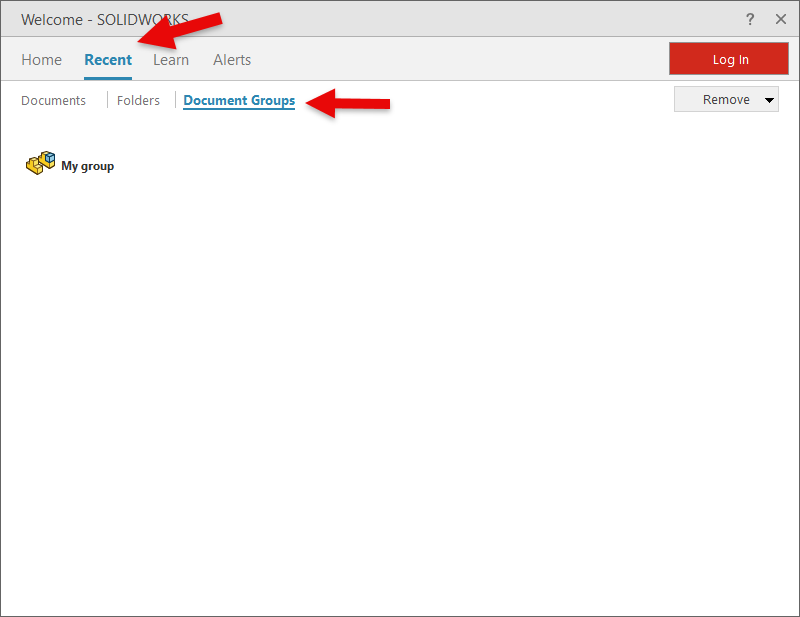
Has this ever happened to you? You’ve been deep into designing and developing a project, working furiously, and before you know it, you have multiple part files, a few assemblies, and some drawings open. It’s…
Setting Up Derived Outputs for SOLIDWORKS Files on The 3DEXPERIENCE Platform
By Kevin Seyler on September 11, 2025
After you’ve created your SOLIDWORKS part, assembly, or drawing, you may need to save this file as a PDF, STEP, or DXF file. The 3DEXPERIENCE platform allows you to create these derived outputs to generate…
Using The SOLIDWORKS PDM Move Tree for Efficient File Renaming and Organization
 By Jay Khajuriwala on September 10, 2025
Renaming files inside a SOLIDWORKS PDM vault can be intimidating, especially when they’re linked to assemblies, drawings, or other referenced files. Luckily, the Move Tree function in SOLIDWORKS PDM offers a safe and efficient way…
Using SOLIDWORKS Motion to Setup the Perfect Disc Golf Shot
 By Alaa Hosn on September 9, 2025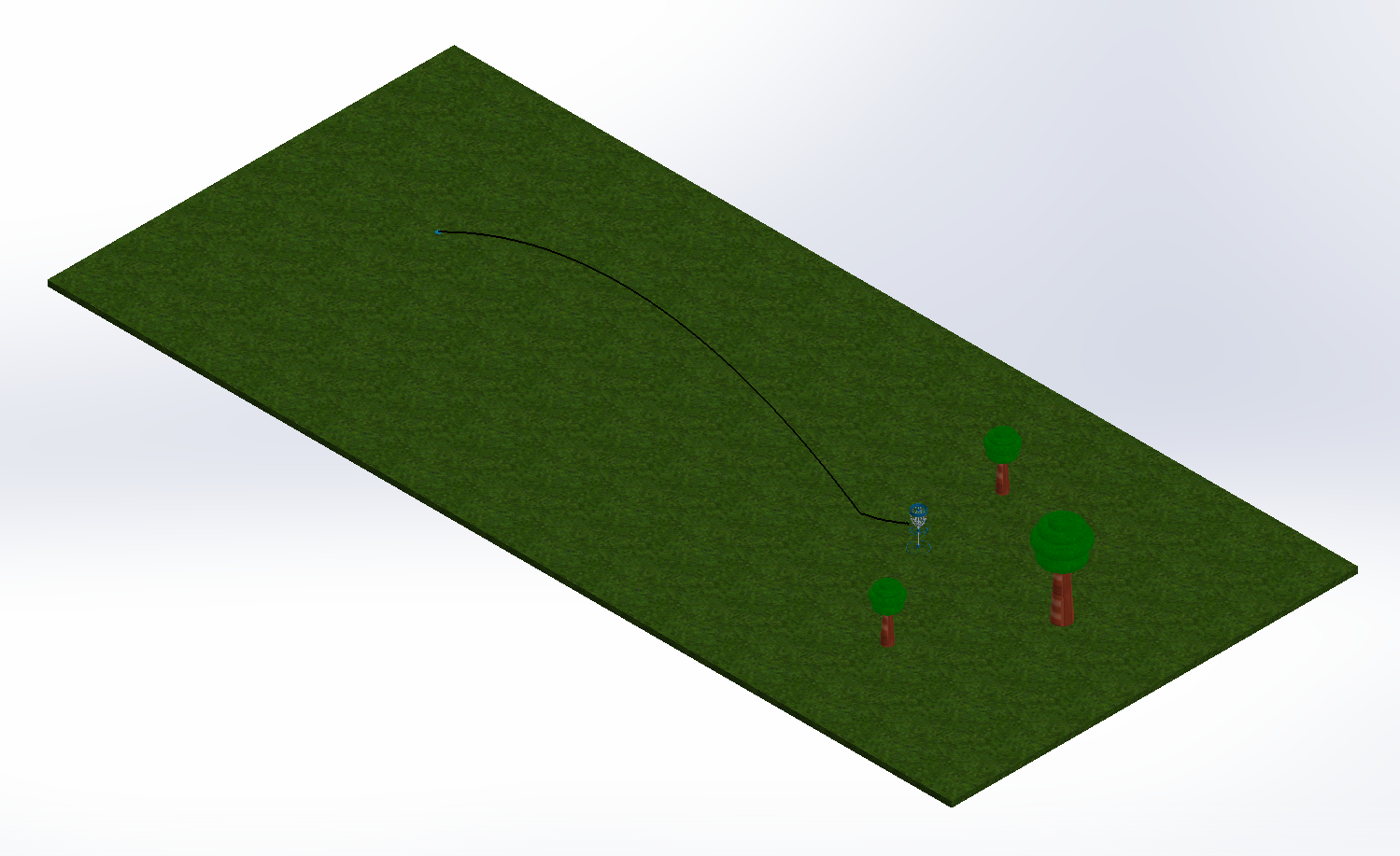
SOLIDWORKS Motion is a powerful software to help users visualize the motion of a design. This tool provides a graphical simulation that analyzes the impact of forces such as springs, dampers, gravity, and friction. Anything…
Choosing Between The SOLIDWORKS Visualize Render Engines
By Carleigh Amyot, CSWP on September 8, 2025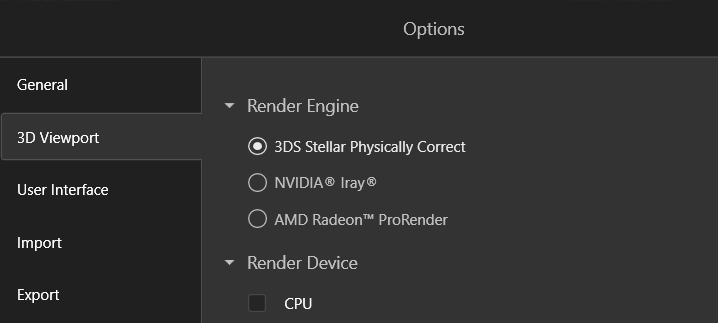
The final part of the SOLIDWORKS Visualize workflow is rendering out images or an animation. During the final export, you are given the choice to select a render engine, which could greatly change how your…
Comparing Drawing Revisions Using 3DMarkup on 3DEXPERIENCE
By Kevin Seyler on September 5, 2025
Visualizing changes in product designs for both parts and drawings helps to simplify the review and approval process. Comparing drawing revisions is very helpful to understand what has changed in a design. The 3DEXPERIENCE platform…
SolidCAM SolidShop | Everything You Need To Know
 By Aric Duprey on September 4, 2025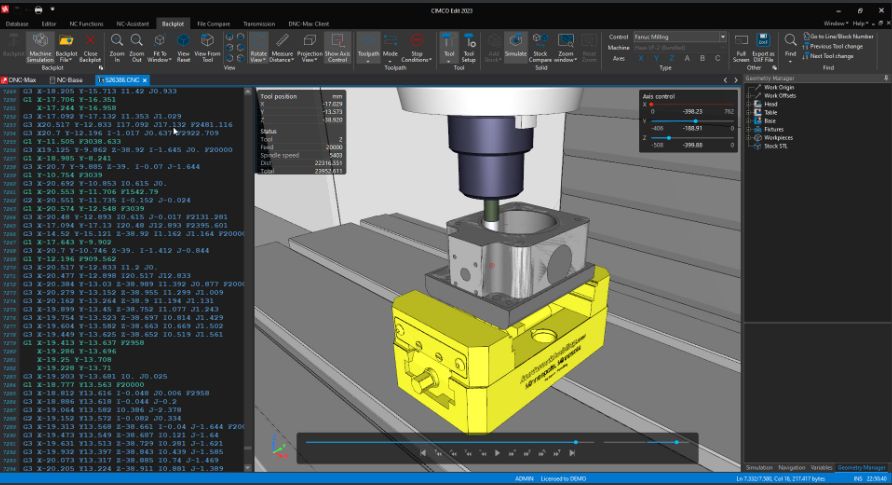
SolidShop is a comprehensive suite of manufacturing management tools introduced in SolidCAM 2023 SP3. It is based on the integration of CIMCO products and is designed to provide a complete digital manufacturing ecosystem for CNC…

Design Services
From concept to manufacturing to scale, TriMech Design Services helps makers, startups, inventors, small manufacturers get to market.
Most Popular Posts

SOLIDWORKS 2024 Hardware Recommendations
TriMech has compiled this recommended SOLIDWORKS 2024 hardware guide to aid you in the process of upgrading or purchasing new hardware for SOLIDWORKS.

IMPORTANT! Transfer Activation Prior to Upgrading to SOLIDWORKS 2024
Prior to installing SOLIDWORKS 2024, you need to transfer activation from your prior release of SOLIDWORKS to ensure it’s available to activate SOLIDWORKS 2024.

SOLIDWORKS Packages Comparison
What is the difference between SOLIDWORKS® Standard, Professional and Premium 3D CAD software? Learn about the features included in each of the three SOLIDWORKS offerings.