


Blog Category
Showing 1-15 of 4,343.
SOLIDWORKS Tech Tips & Articles




Logging Operations in SOLIDWORKS PDM Professional
 By Michael Koenig on January 21, 2026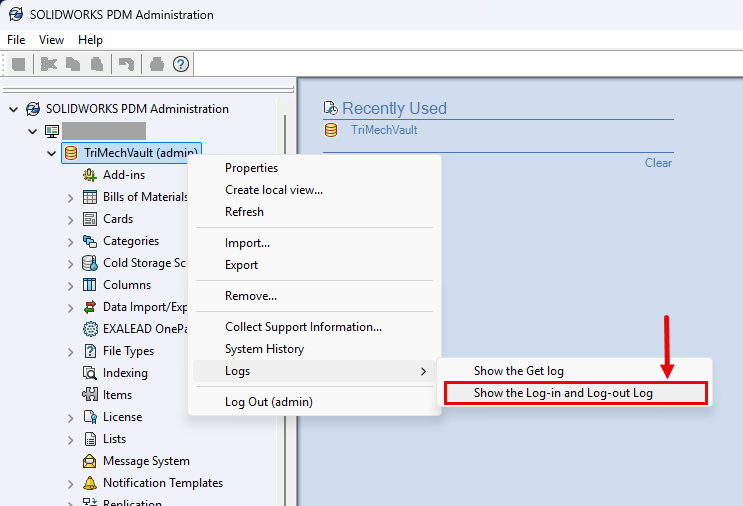
Staying up to date with the latest release of SOLIDWORKS Products gives you access to new features that can help your productivity. Introduced in SOLIDWORKS PDM Professional 2025 are two additional features within the logging…
Computational Fluid Dynamics with Geometry-Based Methods
 By Suman Sudhakaran on January 19, 2026
The accuracy of simulation results depends on the quality of the mesh used to represent the actual geometry. Historically, computational fluid dynamics (CFD) simulations have relied on mesh-based approaches. Using a geometry-based approach has several…
Creating Custom SOLIDWORKS Inspection Reports with the Footer Row Function
 By Vincent Magcalas on January 16, 2026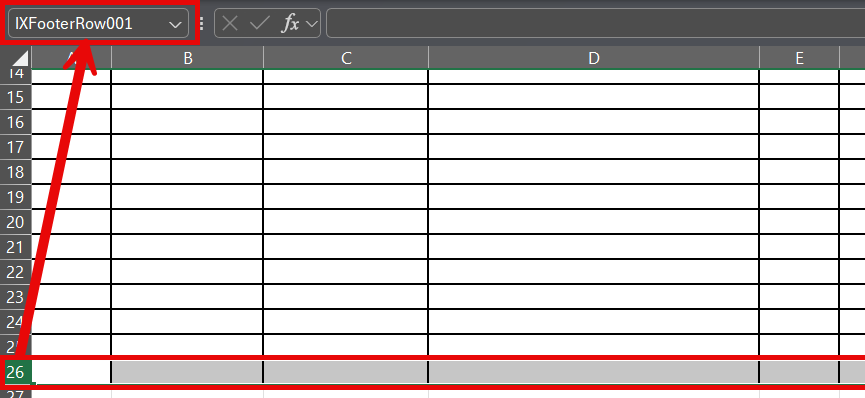
SOLIDWORKS Inspection reports may have various characteristic values included, which makes it difficult to specify how many rows you need specifically when creating your custom report templates. This may lead users to format an excessive…
How to Use Block Attributes, Linked Fields, and DIESEL Expressions in DraftSight 2026
 By Mike Walloch, CSWE on January 14, 2026
Similar to notes, tools like fields, block attributes, and DIESEL expressions are available text options in DraftSight 2026. They’re also top-notch automation tools that will save you a ton of time and effort. Text on…
Productivity Tips for the SOLIDWORKS User Interface and FeatureManager
 By John Landis on January 12, 2026
The SOLIDWORKS user interface has long been recognized as one of the best in the computer-aided design and engineering industry. Its intelligent toolbar and panel layout, left and right-click functionality, workflow context sensitivity, and gesture…
The Ultimate Guide to SOLIDWORKS PDM Templates
 By Lynette Proch on January 9, 2026
SOLIDWORKS PDM Professional adds true automation to your users’ workflows. One of the best ways to make use of this automation is through SOLIDWORKS PDM templates. When I speak to users about templates, the first…
How to Show Mixed Units in a SOLIDWORKS Weldments Cut List
 By Carleigh Amyot, CSWP on January 7, 2026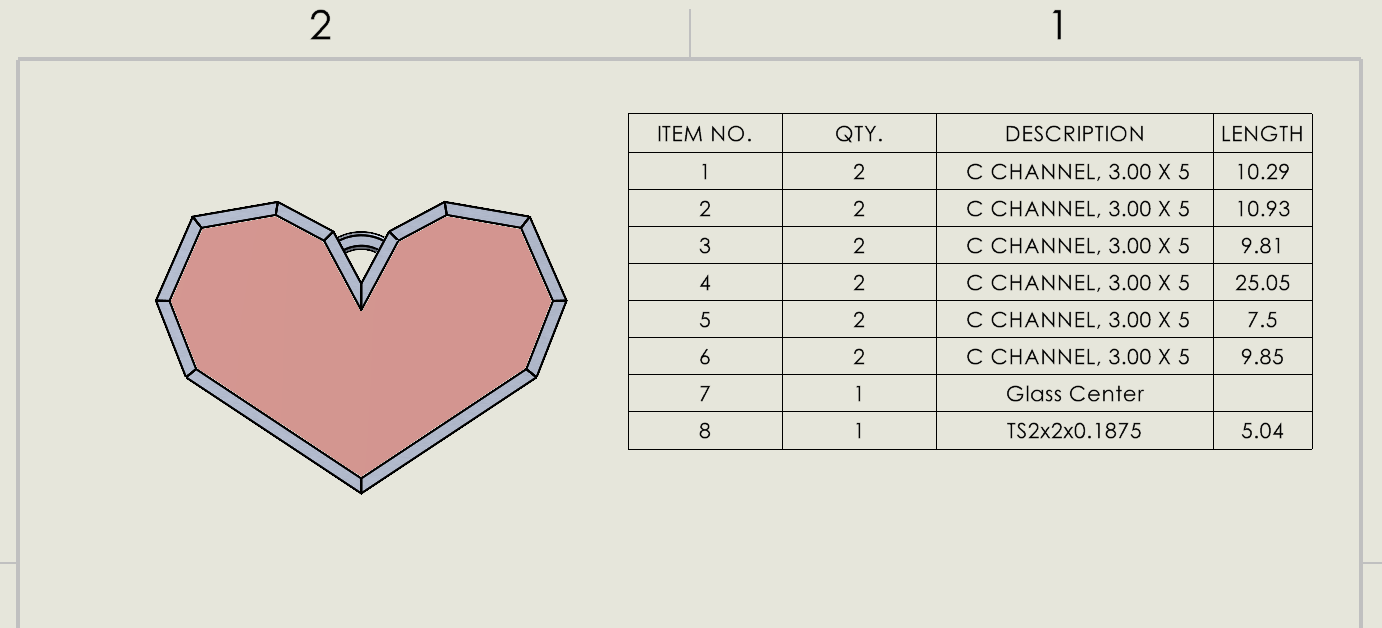
If you are designing multibody SOLIDWORKS parts with mixed units, both imperial and metric, you need a way to accurately display the information in a cut list. You can manually change some values by typing…
Introducing Model-Based Definition to your SOLIDWORKS Workflow
 By Rachel Jackson on January 5, 2026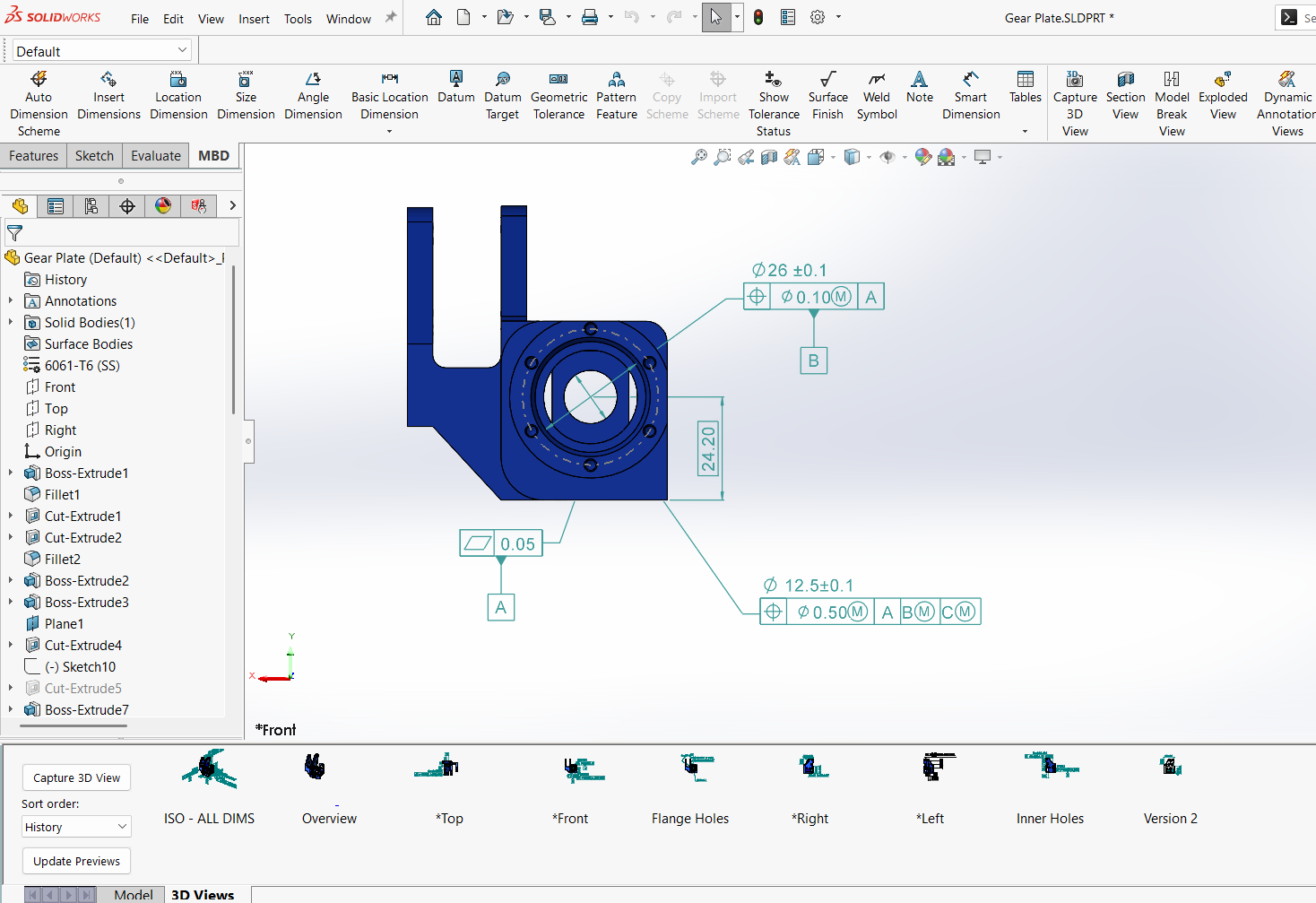
Engineers have always relied on 2D drawings to help convey design intent and communicate critical information about their models. However, model-based definition (MBD) provides a unique opportunity to provide product and manufacturing information directly on…
SOLIDWORKS Composer Silhouette Styles: Crest, Per Actor, and Model
 By Sarah Taylor on December 29, 2025
When creating technical illustrations in SOLIDWORKS Composer, selecting the right display styles is crucial for conveying technical information. In the Technical Illustration Workshop, showing silhouettes adds clean, distinct outlines to the model views. There are…
The Difference Between Saving and Checking In With SOLIDWORKS PDM
By Sarah Taylor on December 22, 2025
When working in SOLIDWORKS PDM, there are many ways to collaborate and track changes to files. From the automated workflows, integrated approvals, and derivative content generation, your team can find great comfort in the available…
How to Remove the SOLIDWORKS Toolbox Flag for Custom Fasteners
 By Scott Durksen, CSWE on December 19, 2025
The SOLIDWORKS Toolbox is a great way to improve efficiency by using a standardized database of fasteners for components in an assembly. Each Toolbox part file contains a “flag” property to differentiate between standard parts…
How to Fix Wrong Size SOLIDWORKS Toolbox Components
By Scott Durksen, CSWE on December 17, 2025
If you’ve ever opened an assembly with SOLIDWORKS Toolbox components only to find that all of the sizes are wrong, the first reaction is panic and the dread of thinking all fasteners need to be…
Troubleshooting SOLIDWORKS PDM License Issues
 By Derik Moore on December 15, 2025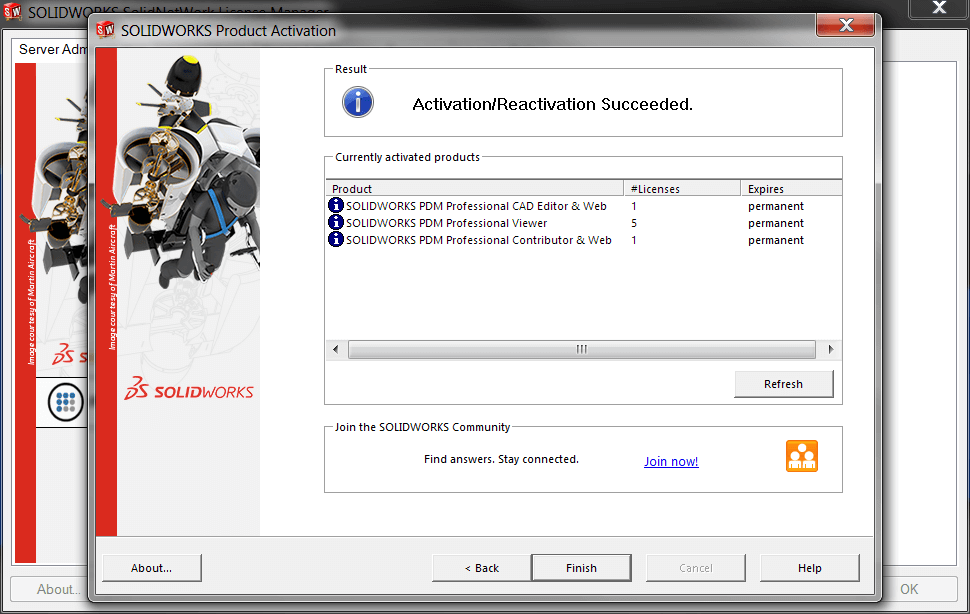
SOLIDWORKS PDM uses floating licenses that operate the same as traditional SOLIDWORKS network licenses. However, there are a few differences between them, resulting in different steps for fixing them compared to regular network licenses. Troubleshooting…
Choosing the Best Sketch Method for SOLIDWORKS
By Sarah Taylor on December 12, 2025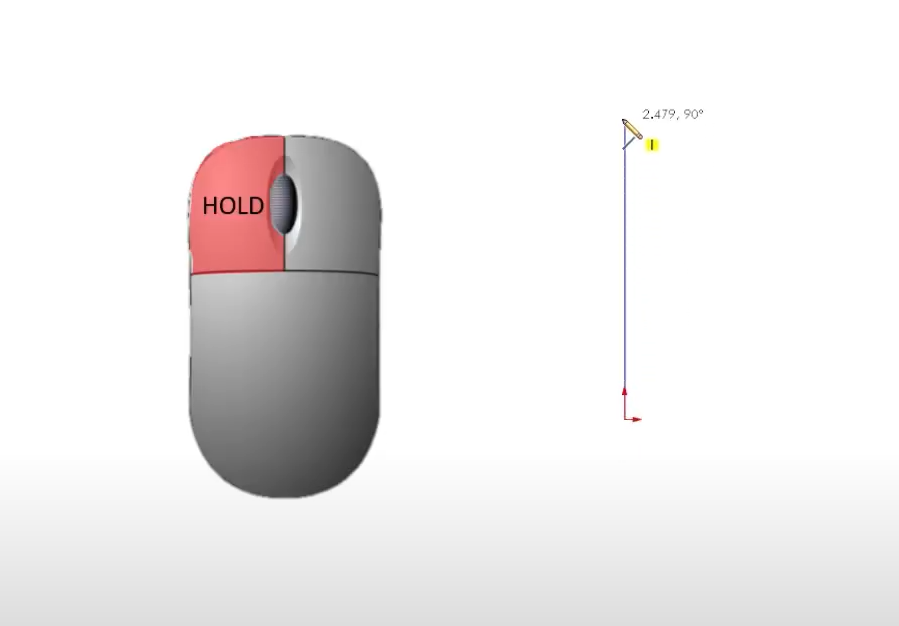
If you’ve ever struggled to get clean, closed contours or found yourself fighting with uncooperative SOLIDWORKS sketches, this post is for you. Choosing the best sketch method might seem straightforward at first, but it depends…
 By
By 
In this blog you will learn how to install a SolidCAM Network license with a product key.

Design Services
From concept to manufacturing to scale, TriMech Design Services helps makers, startups, inventors, small manufacturers get to market.
Most Popular Posts

SOLIDWORKS 2024 Hardware Recommendations
TriMech has compiled this recommended SOLIDWORKS 2024 hardware guide to aid you in the process of upgrading or purchasing new hardware for SOLIDWORKS.

IMPORTANT! Transfer Activation Prior to Upgrading to SOLIDWORKS 2024
Prior to installing SOLIDWORKS 2024, you need to transfer activation from your prior release of SOLIDWORKS to ensure it’s available to activate SOLIDWORKS 2024.

SOLIDWORKS Packages Comparison
What is the difference between SOLIDWORKS® Standard, Professional and Premium 3D CAD software? Learn about the features included in each of the three SOLIDWORKS offerings.