


Blog Category
Showing 1-15 of 4,343.
SOLIDWORKS Tech Tips & Articles




Getting the Most from SOLIDWORKS PDM Copy Tree
 By Dewayne May on December 8, 2025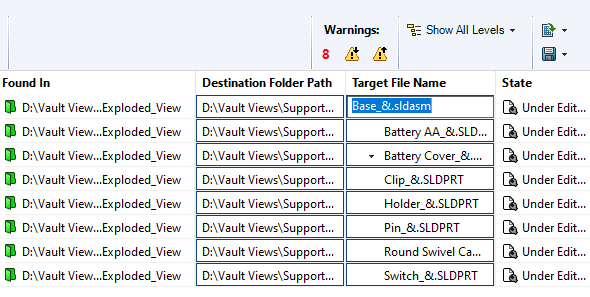
The Copy Tree tool within SOLIDWORKS PDM is designed to help engineering teams manage their design data efficiently. Copy Tree offers similar functionality to SOLIDWORKS’ standalone Pack & Go tool, but with enhanced capabilities tailored…
How to Simulate Fluid-Structure Interaction Using 3DEXPERIENCE
 By Suman Sudhakaran on December 5, 2025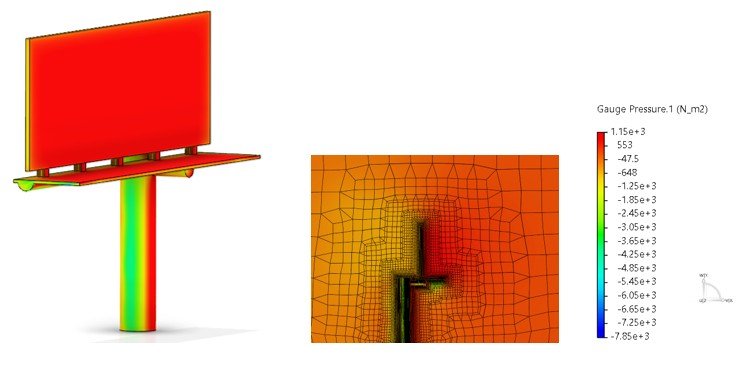
Simulation tools on the 3DEXPERIENCE platform empower designers and engineers to solve fluid-structure interaction (FSI) problems. With advanced meshing capabilities, robust solvers, and cloud computing, 3DEXPERIENCE simulation can streamline your product design process. The computational…
How to Navigate the DSx.Client Care & Order Website
 By Keily Grubaugh, CSWE on December 4, 2025
The DSx.Client Care & Order website allows you to add, remove, or modify access to subscription benefits for your organization. Without being configured properly, your SOLIDWORKS users may not be able to make full use…
Understanding SOLIDWORKS BOM Options for Replacing Components
 By David Arthur, CSWE-S on December 3, 2025
When working with a SOLIDWORKS BOM, there are several options that can help us specify how to manage removed or replaced components. The two options we will address here are Keep Missing Item/Row and Do not…
How to Work Offline with SOLIDWORK PDM
 By Cody Foley on December 2, 2025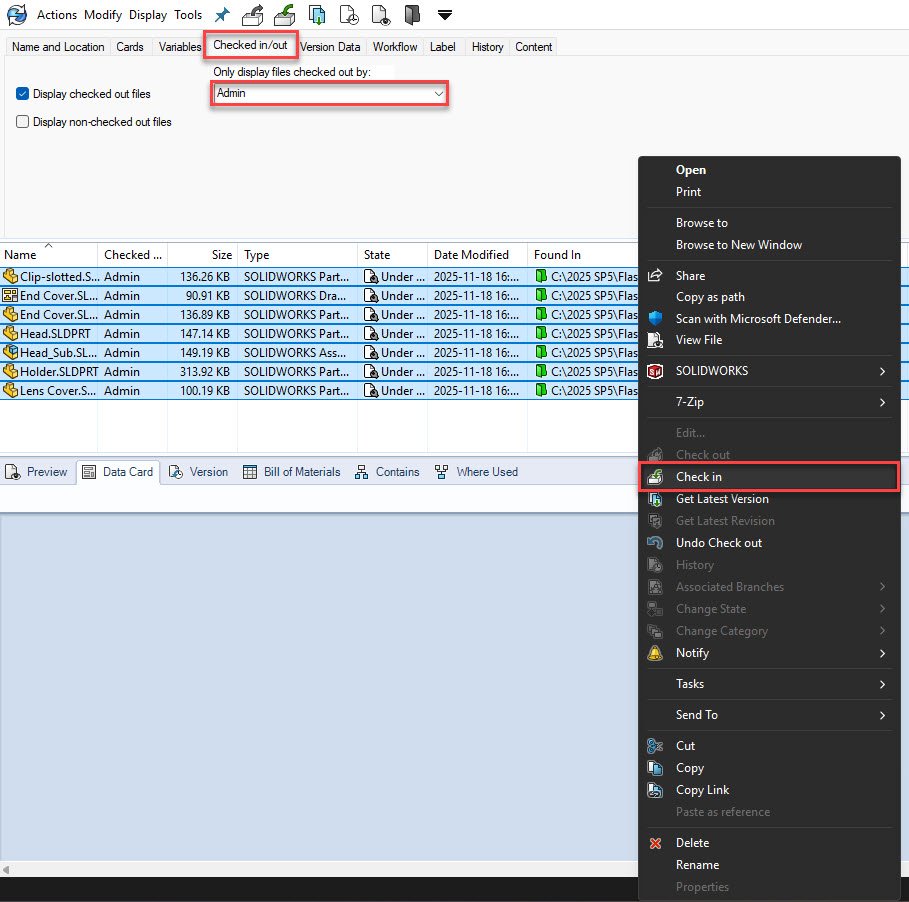
SOLIDWORKS PDM is a server-based product and requires a connection to the application and database servers for smooth operation. However, there are times that you may need to disconnect from the server for a length…
How to Use the Preview Sketch Dimension Tool
 By Chris Duchaine on December 1, 2025
The Preview Sketch Dimension tool, introduced in SOLIDWORKS 2024, enables you to fully define and place sketch dimensions without needing to use the Smart Dimension command. Creating a design in SOLIDWORKS usually follows a straightforward…
Solving the “Face is not laying on the boundary between the solid and fluid region” Error
By David Arthur, CSWE-S on November 28, 2025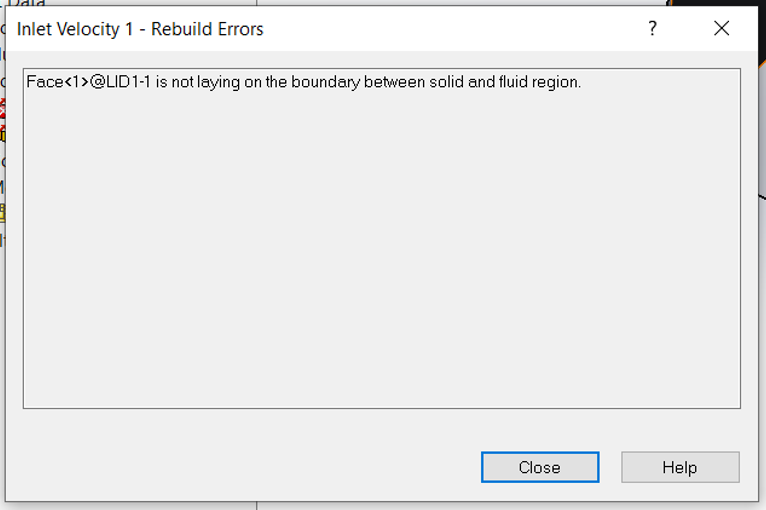
When trying to validate a boundary condition in SOLIDWORKS Flow Simulation, we may get an error stating “Face is not laying on the boundary between the solid and fluid region”. Typically, there are three main…
Advantages of 3DSpace for CAD Data Management
 By Aleksandar Tepsic on November 27, 2025
Managing CAD data efficiently is a critical aspect of any product development process. Traditional data management on local storage and in Windows File Explorer often falls short in handling CAD files, leading to issues like…
Using SimulationXpress for Free FEA Analysis
 By Ryan Burgess on November 26, 2025
SOLIDWORKS SimulationXpress is a powerful yet accessible tool for structural simulation and validation. Whether you are new to finite element analysis (FEA) or just curious about how loading might affect your model, SimulationXpress offers a great starting point to run first-pass FEA analysis on SOLIDWORKS parts.
SOLIDWORKS Display Data Mark Best Practices Guide
 By Sarah Taylor on November 25, 2025
When working with configurations in SOLIDWORKS, the Display Data Mark option can be enabled, which saves the geometric display data into the file for quick access downstream. The display data is primarily used in Quick…
SOLIDWORKS Simulation 2026 Hardware Recommendations
 By TriMech Solutions, LLC on November 24, 2025
The SOLIDWORKS Simulation 2026 hardware recommendations provide best practices and details on specific hardware components. Depending on the complexity of the simulation study and your current system resources, you may want to consider upgrading when you move to SOLIDWORKS 2026.
Top 10 Tips for SOLIDWORKS Assembly Modeling
 By Rachel Jackson on November 21, 2025
In the world of computer-aided design, SOLIDWORKS Assembly Modeling stands out as a powerful tool for creating intricate assemblies. Whether you’re designing complex machinery or elegant consumer products, mastering SOLIDWORKS can significantly enhance your productivity and efficiency. However, to truly unlock its potential, it’s essential to follow best practices for modeling assemblies. In this blog post, we’ll explore some key tips and techniques to help you streamline your assembly modeling process and achieve optimal results.
How to Use SOLIDWORKS Revision Control on 3DEXPERIENCE
 By John Landis on November 20, 2025
For SOLIDWORKS users, revision control can be easily achieved through the 3DEXPERIENCE platform. With the introduction of SOLIDWORKS Cloud Services, all SOLIDWORKS users have access to best-in-class data management tools to help them share files and easily control revisions.
Modeling Thin Walled Parts | TriMech Training Tidbits
 By Mike Walloch, CSWE on November 19, 2025
SOLIDWORKS is the most popular CAD application for mechanical engineering and product design. Learning how to use it effectively is essential to millions of professional CAD users. TriMech’s instructor-led training is a great way to…
Using FloXpress for Free CFD Analysis
By Ryan Burgess on November 18, 2025
FloXpress is a powerful yet accessible tool for fluid flow simulation. Whether you are new to computational fluid dynamics (CFD) or just curious about how fluids might behave in your model, FloXpress offers a great…

Design Services
From concept to manufacturing to scale, TriMech Design Services helps makers, startups, inventors, small manufacturers get to market.
Most Popular Posts

SOLIDWORKS 2024 Hardware Recommendations
TriMech has compiled this recommended SOLIDWORKS 2024 hardware guide to aid you in the process of upgrading or purchasing new hardware for SOLIDWORKS.

IMPORTANT! Transfer Activation Prior to Upgrading to SOLIDWORKS 2024
Prior to installing SOLIDWORKS 2024, you need to transfer activation from your prior release of SOLIDWORKS to ensure it’s available to activate SOLIDWORKS 2024.

SOLIDWORKS Packages Comparison
What is the difference between SOLIDWORKS® Standard, Professional and Premium 3D CAD software? Learn about the features included in each of the three SOLIDWORKS offerings.