


Blog Category
Showing 1-15 of 666.
SOLIDWORKS PDM
Tips and Techniques for SOLIDWORKS PDM (Product Data Management) software for Users and Administrators




How to Set Up Delayed in State Notifications for Stuck SOLIDWORKS PDM Files
 By Derik Moore on January 26, 2026
SOLIDWORKS PDM makes it simple to have a workflow that details each stage of a design’s development and to move it down the workflow appropriately. With SOLIDWORKS PDM, the Delayed in State notifications can help…
Logging Operations in SOLIDWORKS PDM Professional
 By Michael Koenig on January 21, 2026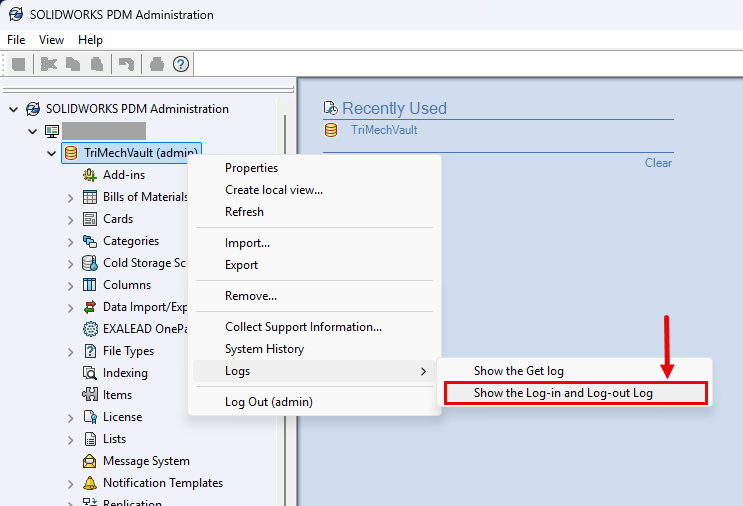
Staying up to date with the latest release of SOLIDWORKS Products gives you access to new features that can help your productivity. Introduced in SOLIDWORKS PDM Professional 2025 are two additional features within the logging…
The Ultimate Guide to SOLIDWORKS PDM Templates
 By Lynette Proch on January 9, 2026
SOLIDWORKS PDM Professional adds true automation to your users’ workflows. One of the best ways to make use of this automation is through SOLIDWORKS PDM templates. When I speak to users about templates, the first…
The Difference Between Saving and Checking In With SOLIDWORKS PDM
 By Sarah Taylor on December 22, 2025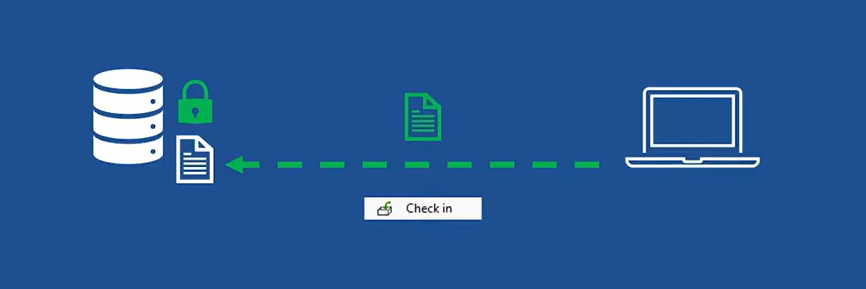
When working in SOLIDWORKS PDM, there are many ways to collaborate and track changes to files. From the automated workflows, integrated approvals, and derivative content generation, your team can find great comfort in the available…
Troubleshooting SOLIDWORKS PDM License Issues
By Derik Moore on December 15, 2025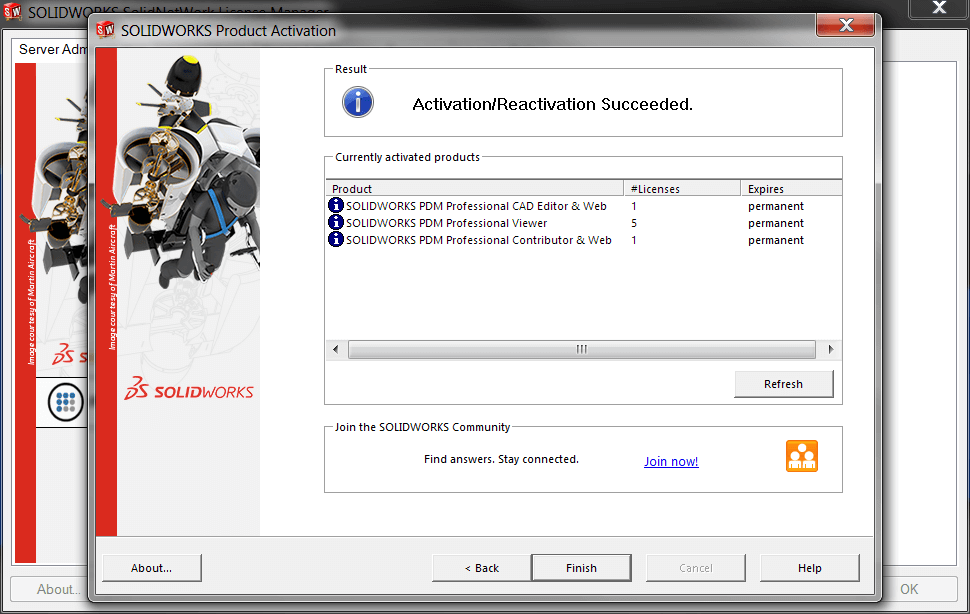
SOLIDWORKS PDM uses floating licenses that operate the same as traditional SOLIDWORKS network licenses. However, there are a few differences between them, resulting in different steps for fixing them compared to regular network licenses. Troubleshooting…
Getting the Most from SOLIDWORKS PDM Copy Tree
 By Dewayne May on December 8, 2025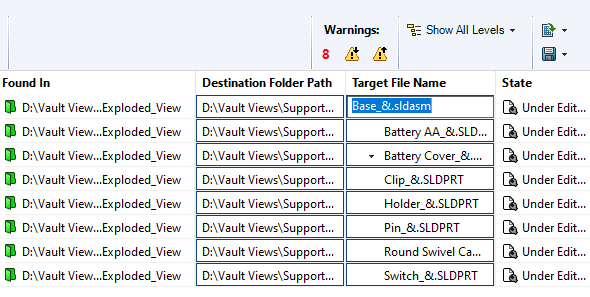
The Copy Tree tool within SOLIDWORKS PDM is designed to help engineering teams manage their design data efficiently. Copy Tree offers similar functionality to SOLIDWORKS’ standalone Pack & Go tool, but with enhanced capabilities tailored…
How to Work Offline with SOLIDWORK PDM
 By Cody Foley on December 2, 2025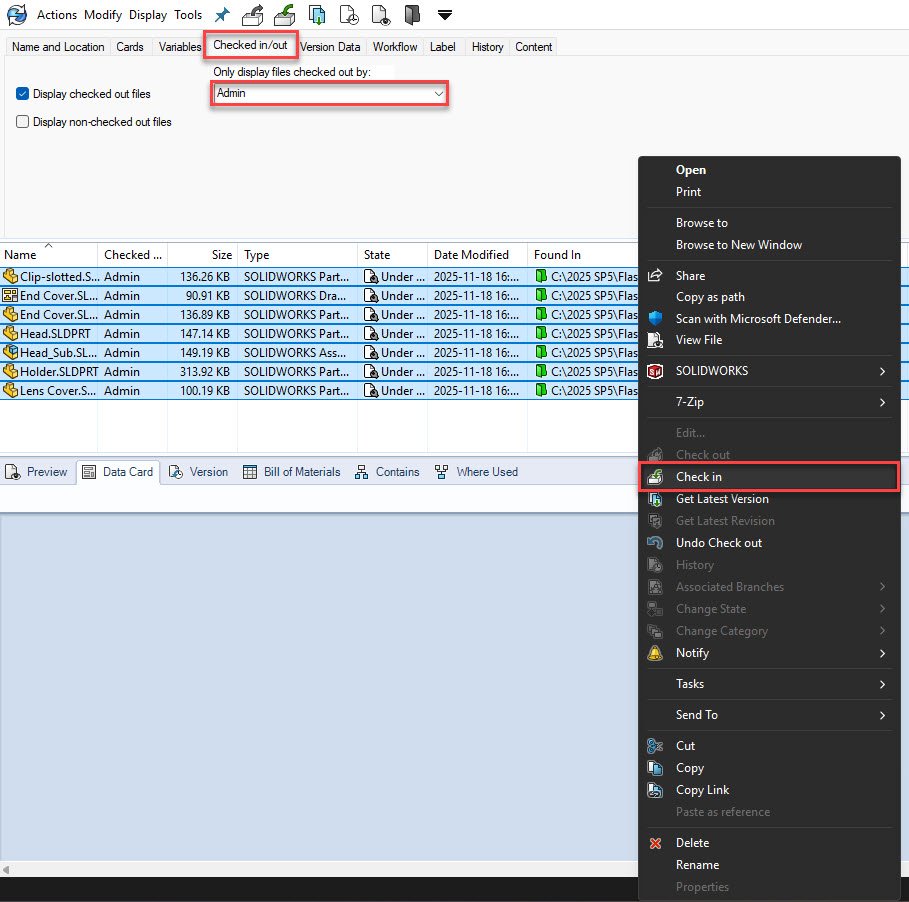
SOLIDWORKS PDM is a server-based product and requires a connection to the application and database servers for smooth operation. However, there are times that you may need to disconnect from the server for a length…
Updating Client Registry Keys After A SOLIDWORKS PDM Server Move
 By Karanvir Singh on November 13, 2025
After the SOLIDWORKS PDM Server components have been moved to another system, it is very important to point the PDM Client to the new server. To do this process, the SOLIDWORKS PDM Client registry information must be updated with the new server name.
 By
By 
When you need to troubleshoot SOLIDWORKS PDM, knowing what resources are available and how to work through connection problems to workflow snags can save time and reduce frustration.
SOLIDWORKS PDM File Version Upgrade Tool | The Good, The Bad, and The Ugly
 By Joe Perera on November 6, 2025
Upgrading your SOLIDWORKS PDM environment to a newer version? The SOLIDWORKS PDM File Version Upgrade Tool is a critical tool designed to help you quickly and efficiently update your part, assembly, and drawing files to…
Use SOLIDWORKS PDM Templates to Streamline Folder and File Creation
By Dewayne May on October 31, 2025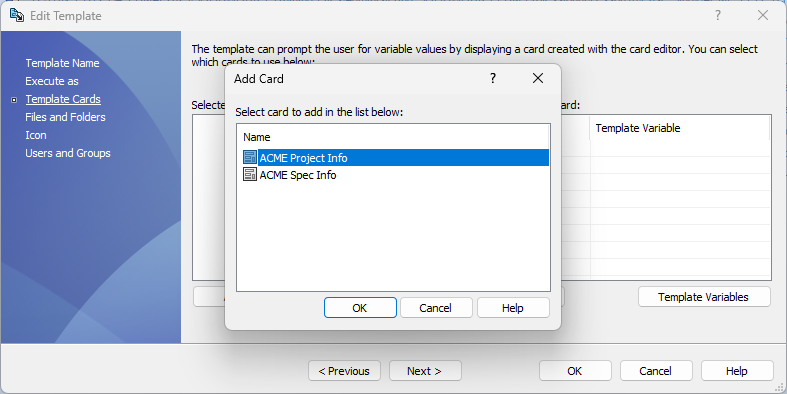
Maintaining consistency in folder structures and file creation while minimizing user error and preventing data duplication is a critical challenge in engineering data management. SOLIDWORKS PDM templates provide a robust, rules-based framework to standardize and…
Hardware Recommendations for SOLIDWORKS 2026 Data Management
 By Andrew Lidstone, CSWE on October 28, 2025
We have compiled these architecture and hardware recommendations for the SOLIDWORKS 2026 data management tools. Use this guide when upgrading or purchasing new hardware for your SOLIDWORKS PDM or SOLIDWORKS Manage environments.
Using the SOLIDWORKS PDM Web2 Client for External Access
 By Ryan Burgess on September 29, 2025
Accessing SOLIDWORKS PDM remotely can be done through different means, but ensuring access across many devices, browsers, and operating systems can be done with the SOLIDWORKS PDM Web2 Client. SOLIDWORKS PDM is a powerful tool…
Using Paste as Reference to Create Links Between Files in SOLIDWORKS PDM
By Sarah Taylor on September 26, 2025
Everyone knows that SOLIDWORKS files are interconnected and fully associative by default. Drawings, Assemblies, and Part files reference one another so that design changes automatically update without having to manually track the modifications through a…
The SOLIDWORKS Manage Add-in for SOLIDWORKS PDM
By Lynette Proch on September 23, 2025
SOLIDWORKS PDM has been a staple for engineers who need to manage their CAD design data for years. The idea of having your revision control directly inside of Windows Explorer, the ability to view your…

Design Services
From concept to manufacturing to scale, TriMech Design Services helps makers, startups, inventors, small manufacturers get to market.
Most Popular Posts

SOLIDWORKS 2024 Hardware Recommendations
TriMech has compiled this recommended SOLIDWORKS 2024 hardware guide to aid you in the process of upgrading or purchasing new hardware for SOLIDWORKS.

IMPORTANT! Transfer Activation Prior to Upgrading to SOLIDWORKS 2024
Prior to installing SOLIDWORKS 2024, you need to transfer activation from your prior release of SOLIDWORKS to ensure it’s available to activate SOLIDWORKS 2024.

SOLIDWORKS Packages Comparison
What is the difference between SOLIDWORKS® Standard, Professional and Premium 3D CAD software? Learn about the features included in each of the three SOLIDWORKS offerings.