


Blog Category
Showing 1-15 of 2,526.
SOLIDWORKS Tech Tips
Thousands of SOLIDWORKS Tech Tips created by the team of Certified Experts at Javelin




How To Improve SOLIDWORKS PDM Performance with File Previews
 By Lynette Proch on April 8, 2026
SOLIDWORKS PDM performance is complex, often needing a deep dive to fully understand what is slowing you down. A common area of concern is that eDrawings lags when loading data when you select a file…
How To Dimension Holes in SOLIDWORKS
 By Ryan Burgess on April 1, 2026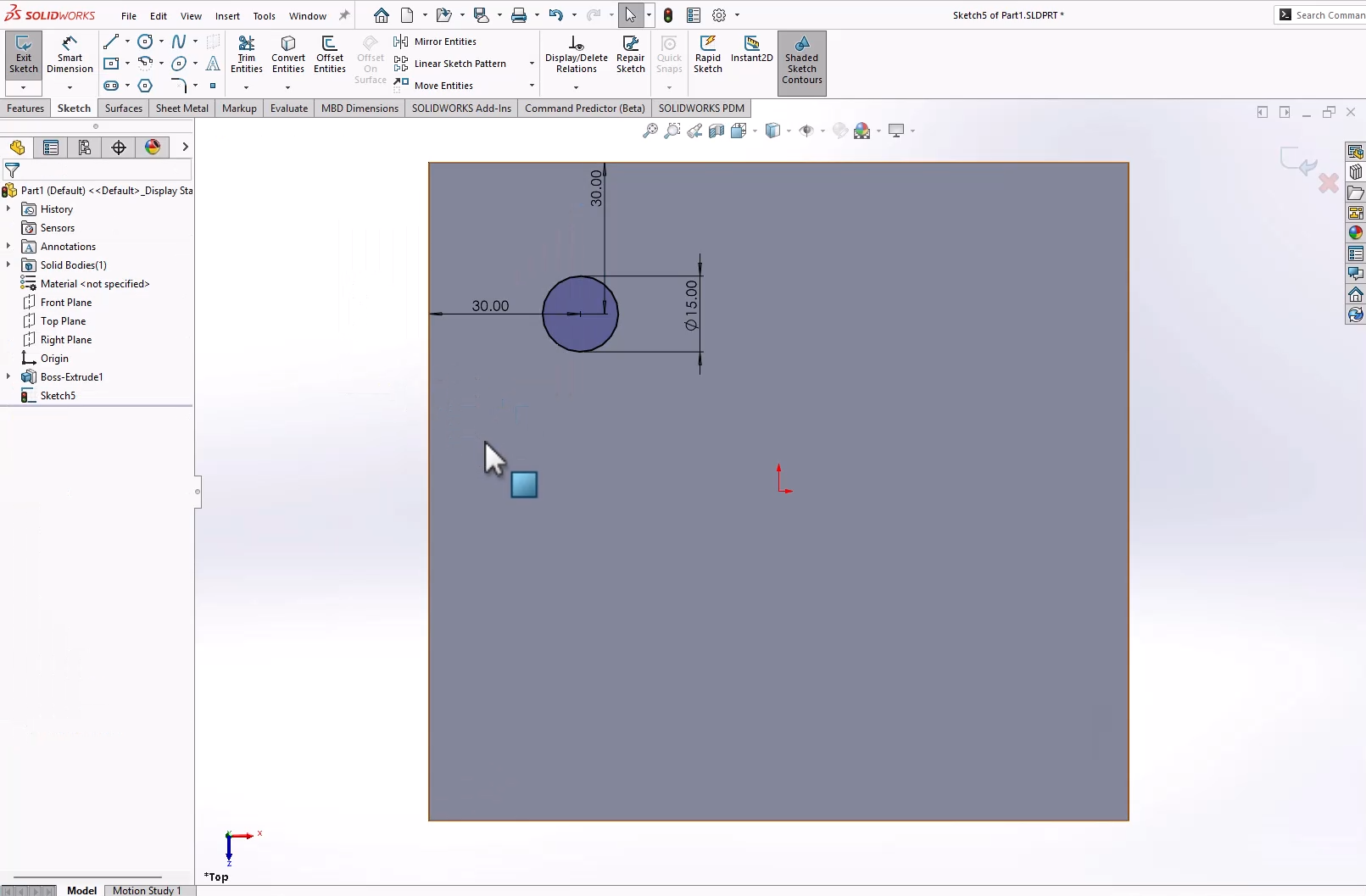
Aside from basic sketch tools, knowing how to dimension holes is a fundamental SOLIDWORKS skill. Without dimensioning holes, models lack design intent and leave out critical manufacturing information. With any part, there are multiple ways…
Simulating Free Surface Flow with SOLIDWORKS Flow Simulation
 By Suman Sudhakaran on March 30, 2026
Free surface flow occurs when a fluid interacts with an open boundary, such as water crashing on a beach or sloshing in a moving container. It typically occurs at the interface between immiscible fluids (liquids…
How to Configure SOLIDWORKS PDM Web2 | Fundamental Setup Guide
 By Karanvir Singh on March 27, 2026
SOLIDWORKS PDM Web2 enables teams to have browser-based access to their file vault from any internet-connected device. While not a perfect replacement for the traditional SOLIDWORKS PDM client, it provides robust access for distributed teams….
How to Use the Move Component Command in SOLIDWORKS
 By John Landis on March 25, 2026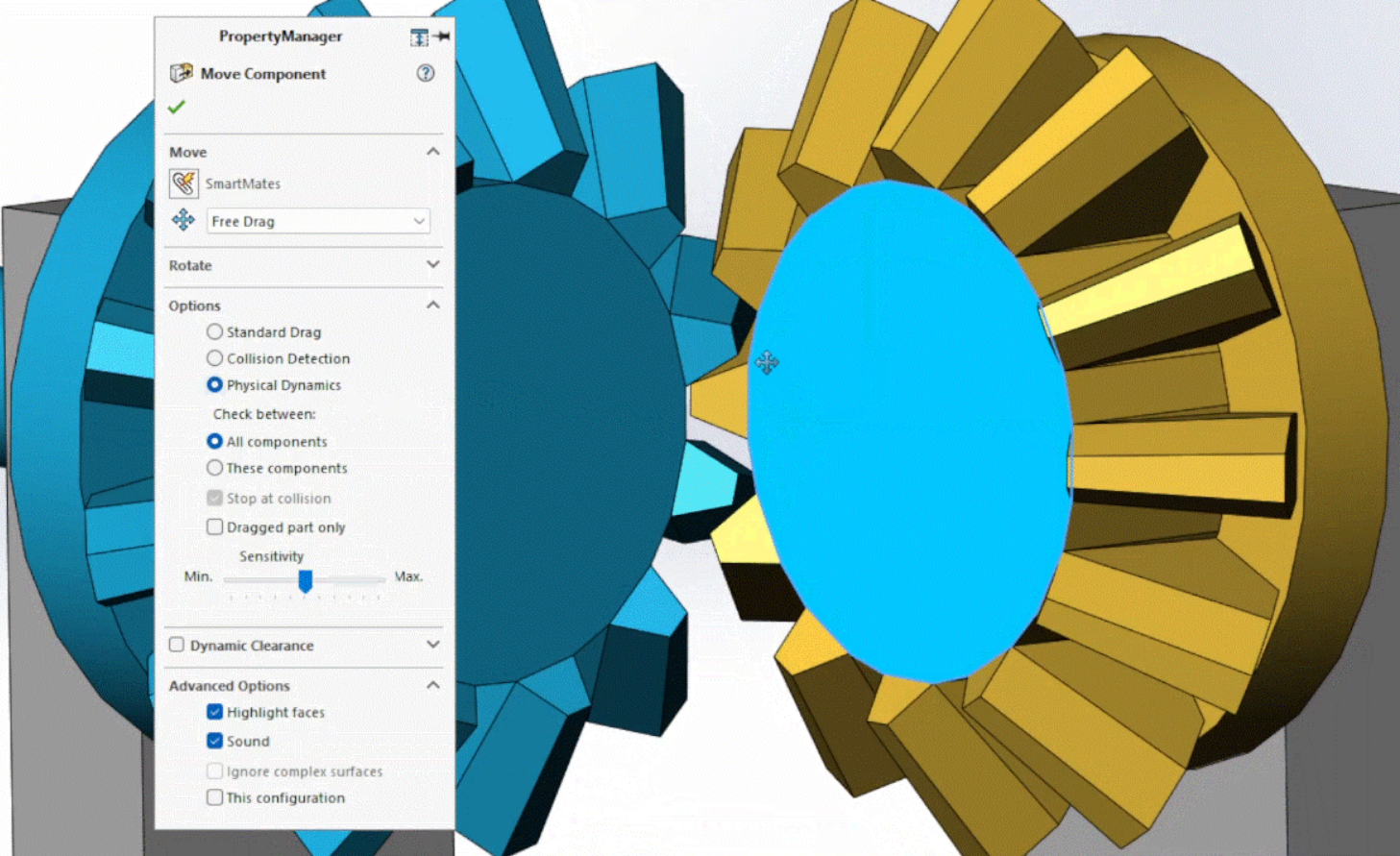
When doing assembly modeling in SOLIDWORKS, we usually use the Move Component command by left or right-clicking a component and then dragging the cursor. This interactive approach is great for most operations, but it can…
How to Use Particle Simulations on 3DEXPERIENCE
By Suman Sudhakaran on March 23, 2026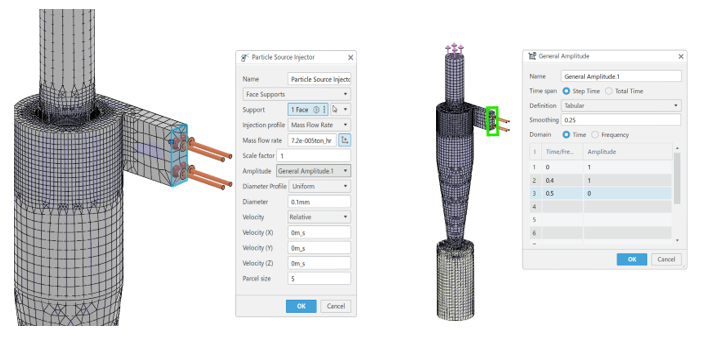
Particles, whether liquid droplets, bubbles, or solids, interact with fluid flows in complex ways. These interactions influence product performance, efficiency, and safety. Understanding behavior within fluid flow with particle simulations is critical for industries ranging…
How to Show Dimensions When Creating a Sketch in SOLIDWORKS
By Ryan Burgess on March 20, 2026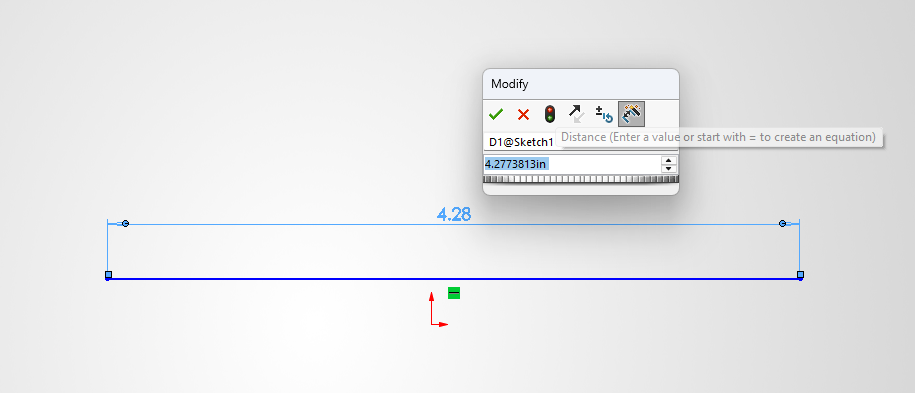
Sketches are the basis of everything inside SOLIDWORKS. Adding dimensions to sketches is an essential part of the sketching and design workflow. Dimensioning sketches can be done in multiple ways, and in this article, we’ll…
Introducing the Start Page in DraftSight 2026
 By Mike Walloch, CSWE on March 16, 2026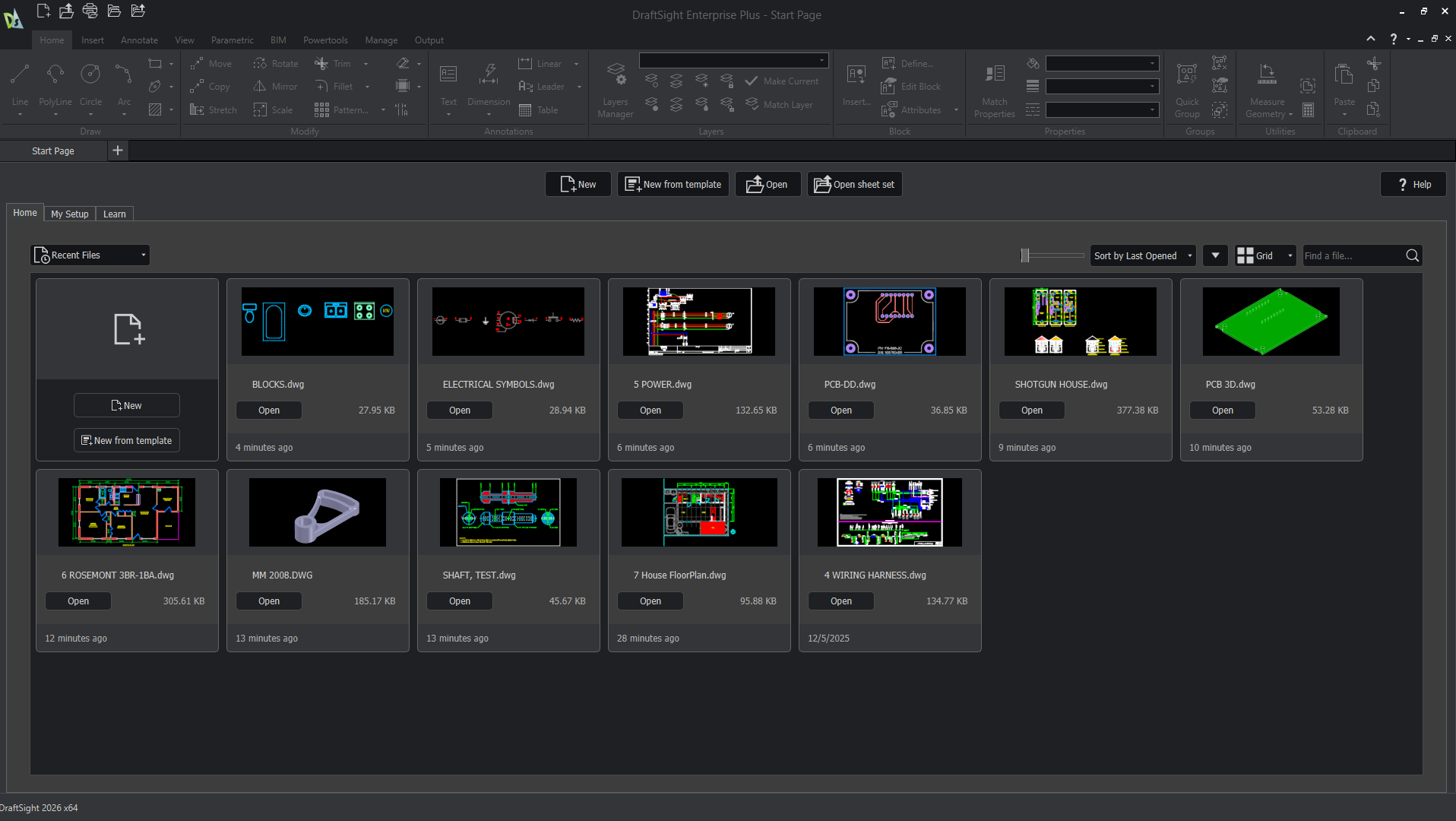
Before DraftSight 2026, users were met with an empty drawing when launching the software. While this can let you immediately start a new drawing or navigate elsewhere, beginners would be left without much guidance. For…
How to Resolve the “Could not read reactor table version” Error for SOLIDWORKS PDM
 By Jay Khajuriwala on March 13, 2026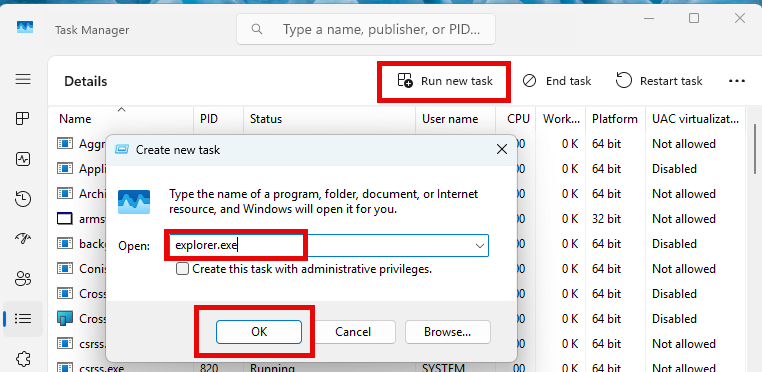
If you’re working with SOLIDWORKS PDM and encounter the warning message “Could not read reactor table version”, you’re not alone. Fortunately, there’s a straightforward way to resolve this and get your SOLIDWORKS PDM vault running…
How to Make a Cone in SOLIDWORKS | Three Different Methods
By Ryan Burgess on March 11, 2026
Even the most fundamental SOLIDWORKS tasks can leave you stumped when there are so many ways to complete them. Knowing how to make a cone is one of those tasks that, depending on how you…
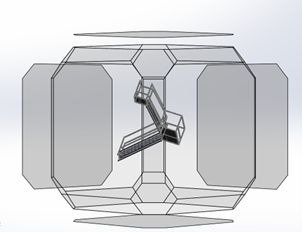
Knowing how to reorient SOLIDWORKS model views is critical for creating accurate drawings, assemblies, and presentations. Whether you’re preparing a technical drawing or setting up a rendering, having the correct view alignment ensures clarity and…
Improving Simulation Results with SIMULIA’s Material Modeling
By Suman Sudhakaran on March 6, 2026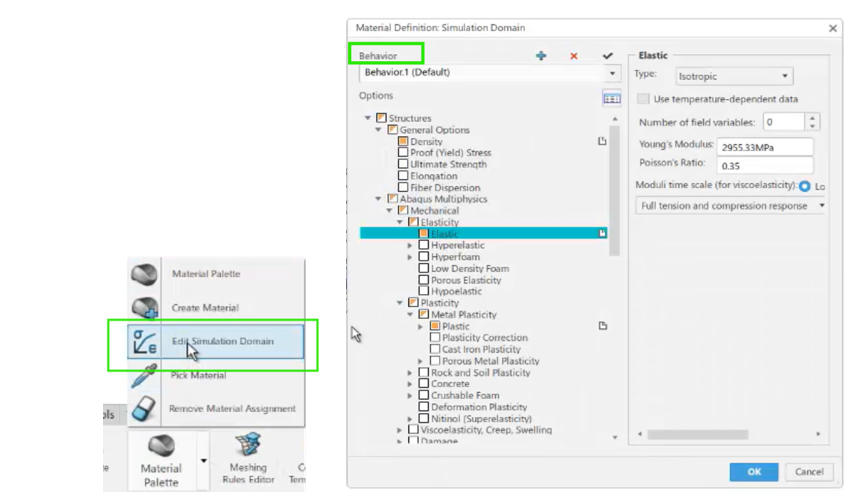
SOLIDWORKS Simulation Premium users can use different material models, such as nonlinear elastic, nonlinear plastic, Von Mises, or Tresca, to achieve accurate simulation results. However, a more realistic simulation requires advanced material modeling capabilities, such…
Setting Up Windows Users in SOLIDWORKS PDM Professional
 By Cody Foley on March 4, 2026
SOLIDWORKS PDM has the ability to make ad hoc users or groups with their own usernames and passwords, not tied to any other system. This works for some organizations to have users remember login information…
Reaction Injection Molding using SOLIDWORKS Plastics
By Suman Sudhakaran on February 25, 2026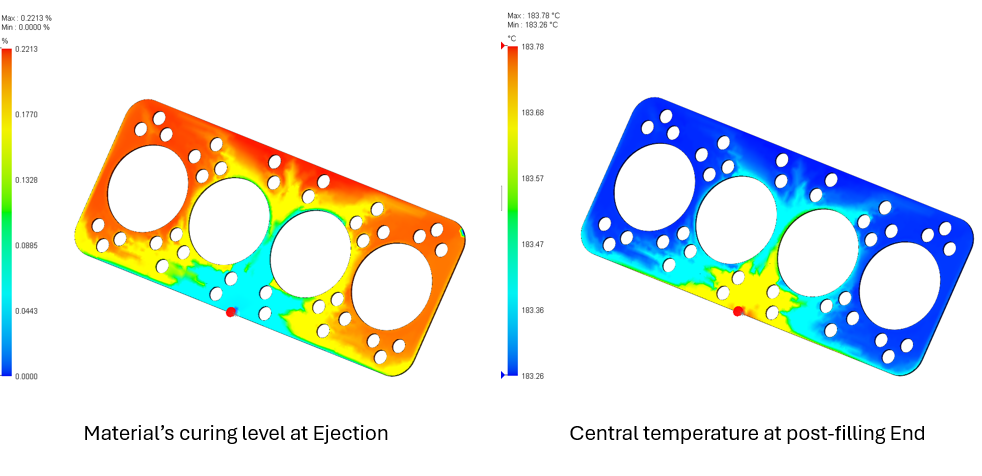
Reaction injection molding (RIM) is a specialized molding technique in which two reagents (e.g., a resin) are mixed and injected into a mold cavity to react and solidify. While reaction injection molding is a low-pressure,…
How to Rotate Components in SOLIDWORKS Assemblies
 By Alaa Hosn on February 23, 2026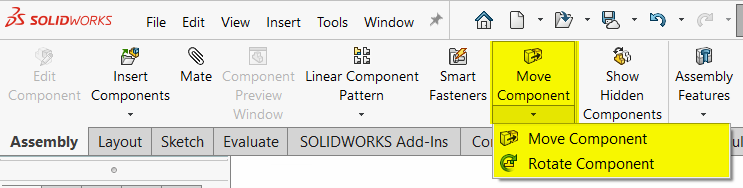
SOLIDWORKS assemblies make it easy to show how components may look and move in a real-world environment. Before finalizing mates and alignment, you may need to rotate components in your assemblies to simplify downstream workflows….

Design Services
From concept to manufacturing to scale, TriMech Design Services helps makers, startups, inventors, small manufacturers get to market.
Most Popular Posts

SOLIDWORKS 2024 Hardware Recommendations
TriMech has compiled this recommended SOLIDWORKS 2024 hardware guide to aid you in the process of upgrading or purchasing new hardware for SOLIDWORKS.

IMPORTANT! Transfer Activation Prior to Upgrading to SOLIDWORKS 2024
Prior to installing SOLIDWORKS 2024, you need to transfer activation from your prior release of SOLIDWORKS to ensure it’s available to activate SOLIDWORKS 2024.

SOLIDWORKS Packages Comparison
What is the difference between SOLIDWORKS® Standard, Professional and Premium 3D CAD software? Learn about the features included in each of the three SOLIDWORKS offerings.