


Blog Category
Showing 16-30 of 664.
SOLIDWORKS PDM
Tips and Techniques for SOLIDWORKS PDM (Product Data Management) software for Users and Administrators
What are File Version Icons in SOLIDWORKS PDM?
 By Cody Foley on June 1, 2026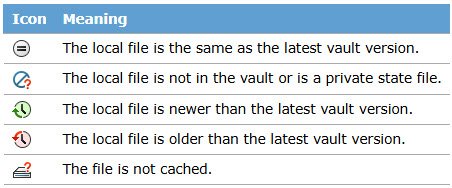
File version icons in SOLIDWORKS PDM provide quick status information for vaulted files. The status icons are available in both Windows File Explorer and through the SOLIDWORKS add-in. The file version icons can be used…
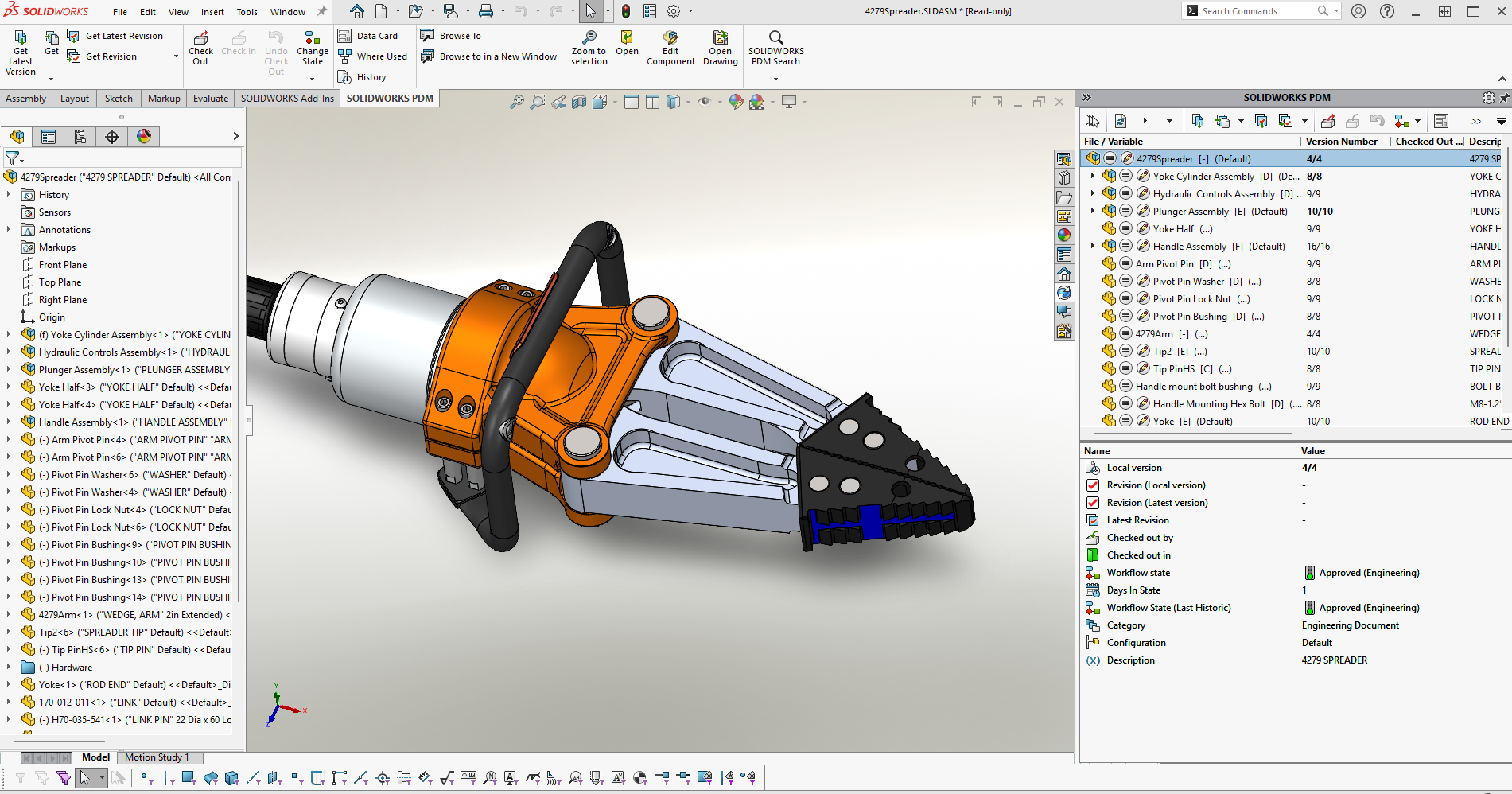
Licensing requirements can become complex when you start to roll out infrastructure to the different teams in your organization. SOLIDWORKS PDM Universal Licensing can simplify tough licensing decisions when vault access grows beyond engineering. Universal…
How to Use SOLIDWORKS PDM Dispatch to Automatically Rename Files
 By Dewayne May on May 6, 2026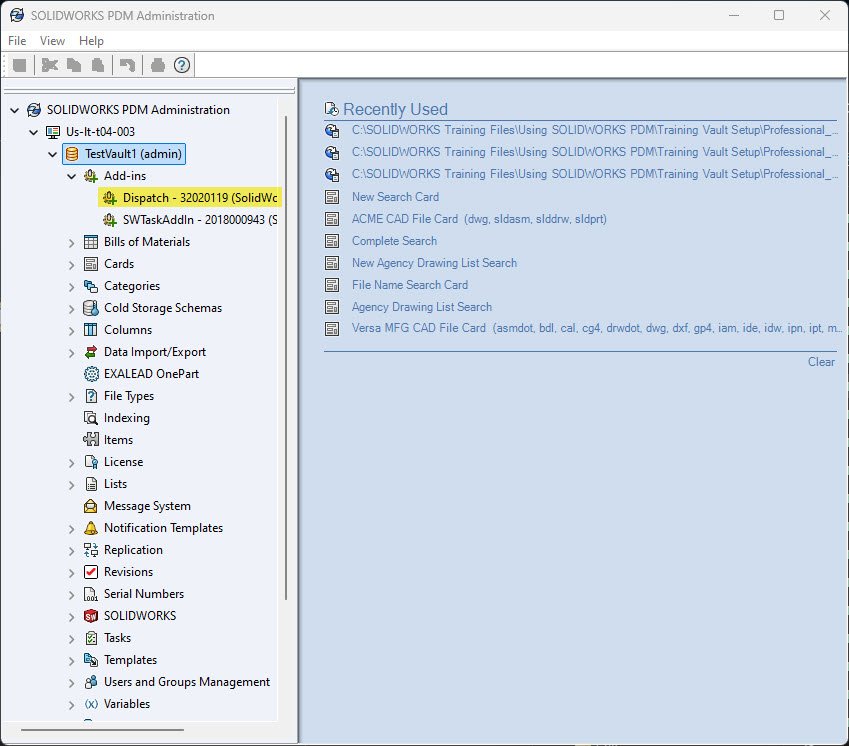
SOLIDWORKS PDM Dispatch is a small programming tool that comes standard with SOLIDWORKS PDM Professional. Commonly referred to as Dispatch, this program will allow you to automate some tasks in PDM.
Fundamentals of using the SOLIDWORKS PDM Add-in
 By Lynette Proch on April 20, 2026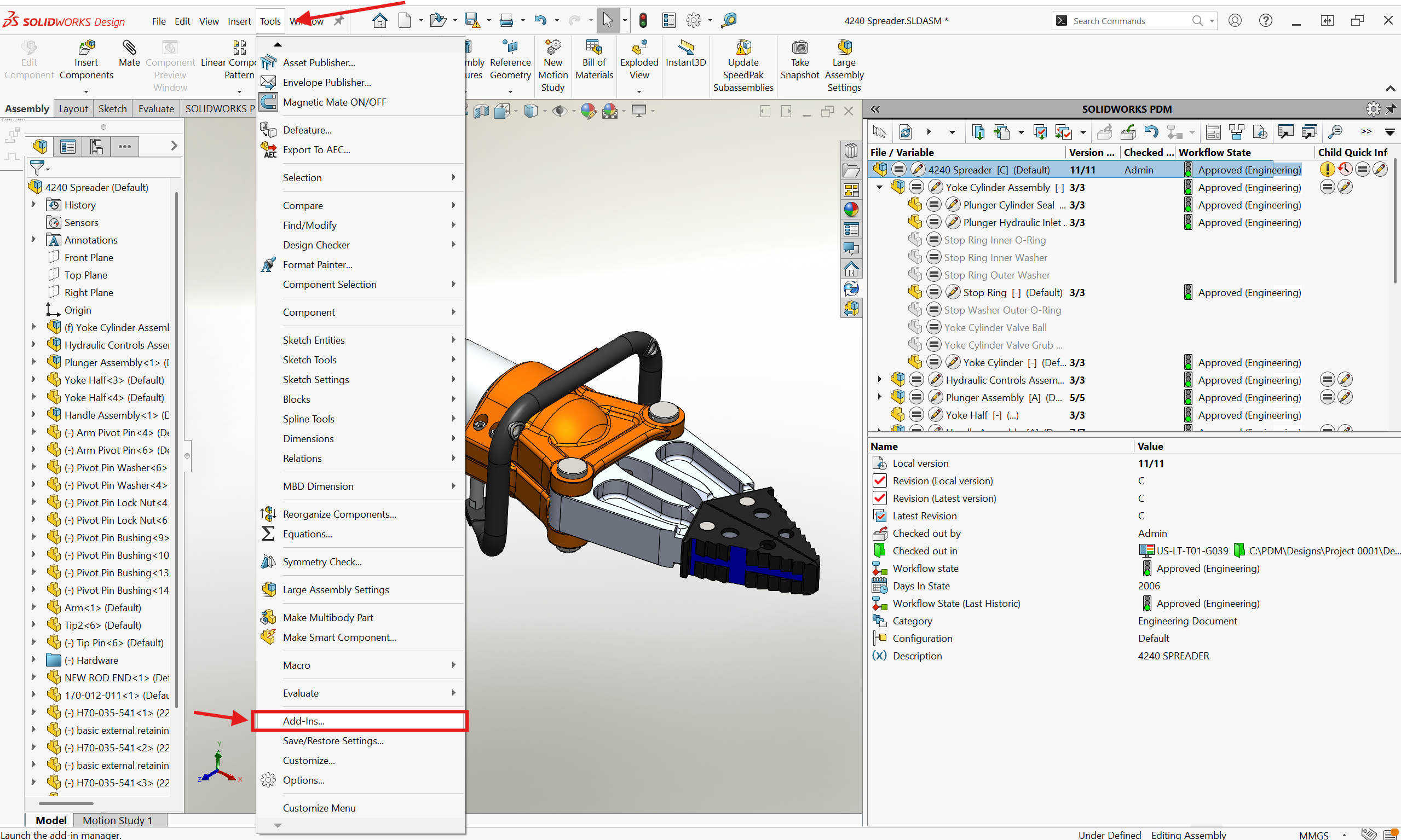
SOLIDWORKS PDM is the proper tool for handling all the complex file references with your CAD data, so you can focus on designing. By using SOLIDWORKS PDM, you can avoid costly broken references and the…
The Best Features in SOLIDWORKS PDM 2026
By Dewayne May on April 10, 2026SOLIDWORKS PDM 2026 introduces a range of productivity enhancements that support your team working smarter and engineering faster. By upgrading SOLIDWORKS PDM, you can ensure your team has access to the latest enhancements and is…
How To Improve SOLIDWORKS PDM Performance with File Previews
By Lynette Proch on April 8, 2026
SOLIDWORKS PDM performance is complex, often needing a deep dive to fully understand what is slowing you down. A common area of concern is that eDrawings lags when loading data when you select a file…
How to Configure SOLIDWORKS PDM Web2 | Fundamental Setup Guide
 By Karanvir Singh on March 27, 2026
SOLIDWORKS PDM Web2 enables teams to have browser-based access to their file vault from any internet-connected device. While not a perfect replacement for the traditional SOLIDWORKS PDM client, it provides robust access for distributed teams….
How to Resolve the “Could not read reactor table version” Error for SOLIDWORKS PDM
 By Jay Khajuriwala on March 13, 2026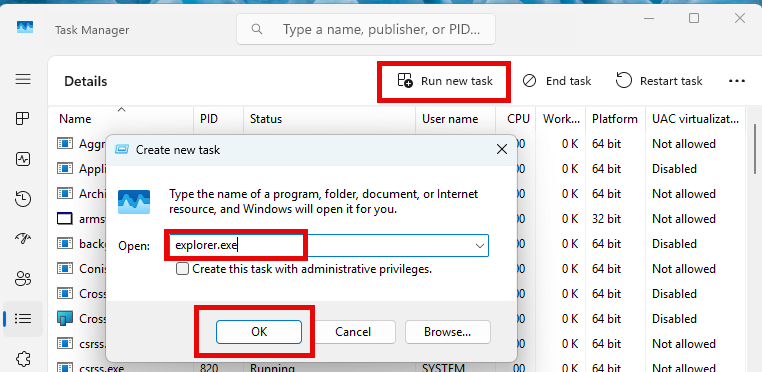
If you’re working with SOLIDWORKS PDM and encounter the warning message “Could not read reactor table version”, you’re not alone. Fortunately, there’s a straightforward way to resolve this and get your SOLIDWORKS PDM vault running…
Setting Up Windows Users in SOLIDWORKS PDM Professional
By Cody Foley on March 4, 2026
SOLIDWORKS PDM has the ability to make ad hoc users or groups with their own usernames and passwords, not tied to any other system. This works for some organizations to have users remember login information…
Failed to Obtain a License for SOLIDWORKS PDM Professional | Common Causes and How to Fix Them
 By Michael Nwachukwu on February 18, 2026
When working with SOLIDWORKS PDM Professional, encountering license errors such as “Failed to obtain a license for SOLIDWORKS PDM” can be frustrating and confusing. These errors often stem from misunderstandings about how SOLIDWORKS PDM licenses…
SOLIDWORKS PDM Automation with Serial Numbers and Templates
By Dewayne May on February 5, 2026
SOLIDWORKS PDM serial numbers and templates can help your company stay on standard for naming conventions, folder structure, and remove the disconnect between an ERP and PDM system. With them, your team can stay on…
How to Access the Windows Event Logs for Application and System Logs
By Cody Foley on February 2, 2026
When troubleshooting SOLIDWORKS PDM issues, a helpful resource to diagnose an issue is the Windows Event Logs. In particular, the Application log and System log can prove immensely helpful in finding the root cause of…
How to Set Up Delayed in State Notifications for Stuck SOLIDWORKS PDM Files
 By Derik Moore on January 26, 2026
SOLIDWORKS PDM makes it simple to have a workflow that details each stage of a design’s development and to move it down the workflow appropriately. With SOLIDWORKS PDM, the Delayed in State notifications can help…
Logging Operations in SOLIDWORKS PDM Professional
 By Michael Koenig on January 21, 2026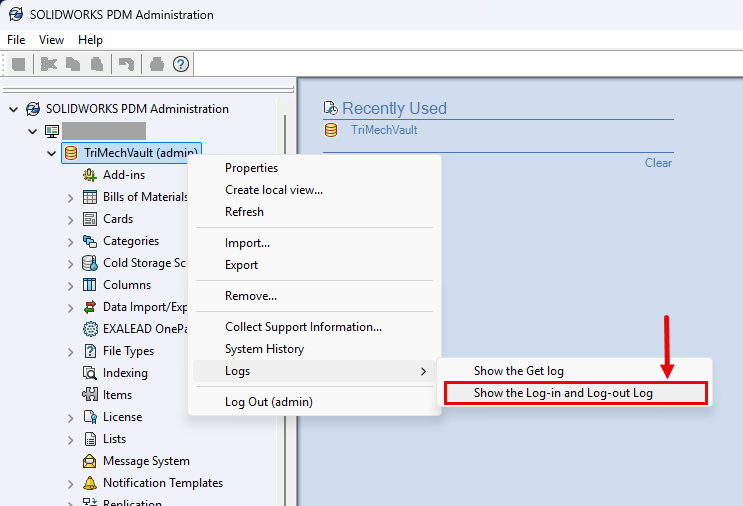
Staying up to date with the latest release of SOLIDWORKS Products gives you access to new features that can help your productivity. Introduced in SOLIDWORKS PDM Professional 2025 are two additional features within the logging…
The Ultimate Guide to SOLIDWORKS PDM Templates
By Lynette Proch on January 9, 2026
SOLIDWORKS PDM Professional adds true automation to your users’ workflows. One of the best ways to make use of this automation is through SOLIDWORKS PDM templates. When I speak to users about templates, the first…

Design Services
From concept to manufacturing to scale, TriMech Design Services helps makers, startups, inventors, small manufacturers get to market.
Most Popular Posts

SOLIDWORKS 2024 Hardware Recommendations
TriMech has compiled this recommended SOLIDWORKS 2024 hardware guide to aid you in the process of upgrading or purchasing new hardware for SOLIDWORKS.

IMPORTANT! Transfer Activation Prior to Upgrading to SOLIDWORKS 2024
Prior to installing SOLIDWORKS 2024, you need to transfer activation from your prior release of SOLIDWORKS to ensure it’s available to activate SOLIDWORKS 2024.

SOLIDWORKS Packages Comparison
What is the difference between SOLIDWORKS® Standard, Professional and Premium 3D CAD software? Learn about the features included in each of the three SOLIDWORKS offerings.