







SOLIDWORKS CAM Training
Javelin provides comprehensive instructor led training courses for SOLIDWORKS CAM, SolidCAM and SWOOD. The following courses are available:
- All
- SolidCAM
- SOLIDWORKS CAM
- SWOOD

SolidCAM 2.5D CNC Milling
Introduction to the basic concepts of SolidCAM 2.5D CNC Milling and working with SolidCAM for efficient manufacture.

SolidCAM 3D High Speed Milling
Learn the fundamental skills required to perform SolidCAM 3D High Speed Milling.
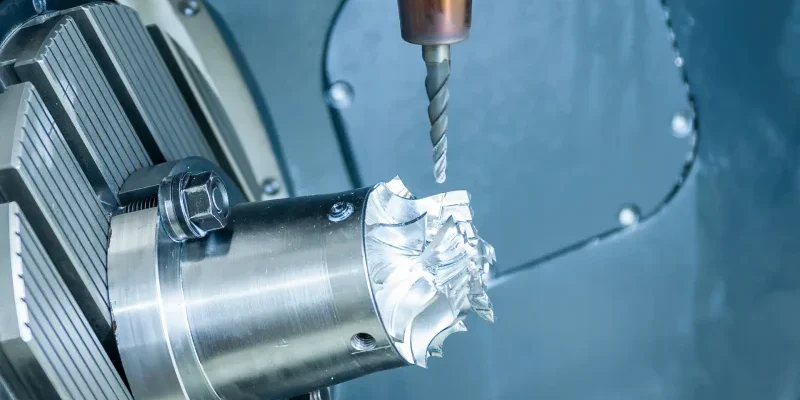
SolidCAM 4-Axis Machining
SolidCAM 4-Axis machining makes the most of 3-axis machines with simultaneous rotary capabilities.
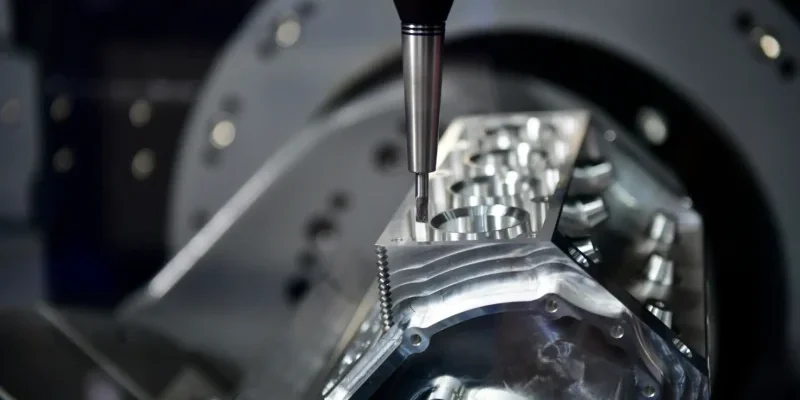
SolidCAM 5-Axis Machining
Develop your skills for complete control over all aspects of tool path and collision checking with our SolidCAM 5-Axis Machining training course.

SolidCAM Advanced Mill-Turn
Discover more complex techniques involved with turning and further your knowledge of SolidCAM Advanced Mill-Turn.

SolidCAM AFRM
Introduction to 2.5D Automatic Feature Recognition & Machining (AFRM) programming for parts that require pocket, drill, and edge deburring recognition.
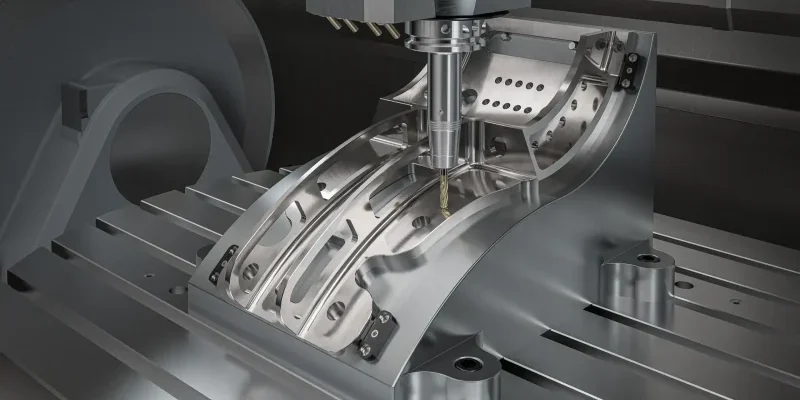
SolidCAM High Speed Surfacing
This course builds on the SolidCAM module HSR/HSM basics to add further control of your programming.
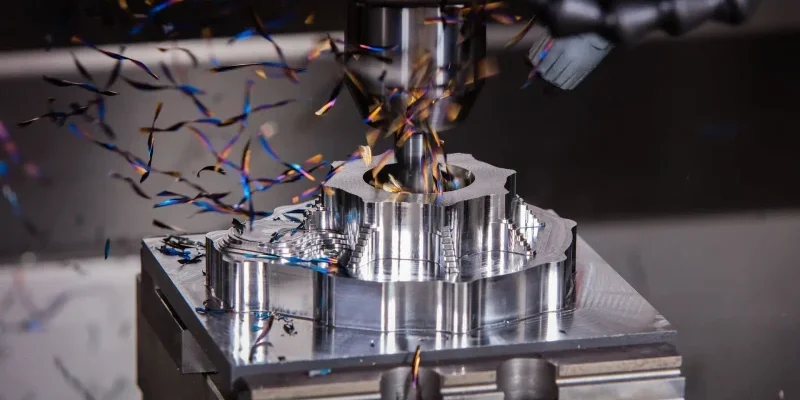
SolidCAM iMachining
Learn the basics of the SolidCAM iMachining module and program manufacturing processes.

SolidCAM Turning
Get an introduction to basic concepts of SolidCAM Turning and using the interface for efficient manufacturing.

SOLIDWORKS CAM Essentials
The SOLIDWORKS CAM Essentials course teaches you how to generate, modify and post process 2.5 axis milling toolpaths used for the machining of SOLIDWORKS part files

SOLIDWORKS CAM Professional
The SOLIDWORKS CAM Professional training course teaches you how to use configurations, VoluMill™, mill machining in assemblies, and 3 plus 2 machining.
SOLIDWORKS for Machinists
SOLIDWORKS for Machinists course teaches you the basics for creating parts, assemblies configurations and machining stock.


Javelin Training Case Studies
Precision toolmaker in Victoria, BC completes SOLIDWORKS training and certification at astronomical pace
Baylis Medical uses Javelin’s flexible SOLIDWORKS Training Day Program
DECKED design team optimizes large assembly work and PDM tools with help from Javelin – a TriMech Company
Training Methods
Choose from three different training methods available to you

Group/Public Training
Receive SOLIDWORKS training as a group in a traditional classroom environment.
Classes can be taken in one of our training locations across Canada and the US using SOLIDWORKS approved training content and methodologies.
Advantages
- Cost effective training method.
- Leave the office to concentrate on learning.
- Learn more through group questions and feedback.

Live Online Training
With our online training you will experience an interactive learning environment where you can give feedback, gain access to the SOLIDWORKS training files and get time to work on training exercises.
Advantages
- Online courses are available as half or full day sessions.
- More effective than video based training, with recorded videos learners are often not as focused on the training and skip exercises.

Onsite at your location
Receive training at your place of work. This style of flexible training is perfect for teams or individuals who are faced with a specific challenge and require personalized courses with on-the-job coaching.
Advantages
- Use our state-of-the-art mobile classroom at your facility.
- Bring your team up to a consistent level of knowledge by having them take the same training at the same time.
- Benefit from flexible scheduling options.
Do you need a Custom Training course?
Call us free at 1-877-219-6757 and get your questions answered