







Raise inspection to the next level
ZEISS Inspect is your software for detailed evaluations of 3D data
Use ZEISS Inspect for simple or complex inspection tasks – from capturing the part to be inspected, mesh processing, CAD import, necessary GD&T calculations to trend analyses, digital assembly or proprietary inspections.
ZEISS Inspect will save you time and money. Due to its active parametric concept, all work steps are traceable and you can create project templates at any given point in your current project. Accordingly, you will obtain accurate results even faster than before.
Industry standard for 3D inspections and evaluations
With ZEISS Inspect you can raise your 3D inspections to the next level.
ZEISS Inspect latest features include:
- Photorealistic rendering to simulate your parts in digital assemblies and real environments and assess the influence of light and shading
- New reporting functionalities using smart diagram views and a modernized UI for creating intelligent result reports
- Smart scanning capabilities support fully automated ScanBox measurements to increase productivity and minimize user interaction
ZEISS Inspect Capabilities
Making accurate 3D models has never been easier
Alignment Functions
ZEISS software includes all default alignment functions. This includes: RPS alignment, hierarchical alignment based on geometry elements, alignment in a local coordinate system, using reference points and various best-fit procedures such as global and local best-fit. In addition, customer-specific alignments, for example, for turbine blades, such as Balanced Beam or Equalized Nested, can be executed.
Blade Inspection
ZEISS Inspect combines general inspection functions with application-specific evaluations. The native quality control functions for the analysis of airfoils and turbine blades include inspection of the profile mean line, profile centroid and the profile thickness of turbine blades based on 2D sections. The center of gravity, radii and twist of the profile can also be computed.
Blisk Inspection
ZEISS software offers features that simplify the inspection of blisks or “bladed disks” for the user.
CAD Import
Formats such as IGES, JT Open and STEP, but also CATIA, NX, SOLIDWORKS and PTC Creo, can be imported into the GOM software simply by drag & drop.
Comprehensive Volume Visualization
In ZEISS Volume Inspect you can evaluate every element of your component – even internal structures.
Curve Inspection
Based on fully digitized data, you can apply construction functions for curves and visualize their properties in ZEISS software.
Defect Analysis
Perform automated evaluations of defects such as pores or shrinkage cavities based on a wide range of criteria.
Digital Assembly
With ZEISS Inspect, you can easily assemble your parts virtually and check their function.
Geometric Elements (GD&T)
GD&T provides metrologists with precise specifications for the verification of a part. ZEISS supports ISO and ASME standards and implements them in the software.
Import Volume Data
ZEISS Volume Inspect is a stand-alone software. You can directly import all common formats of your CT data – irrespective of which computed tomography system you use for measuring.
Mesh Editing
You can smooth, thin and refine polygon meshes, but also fill holes in the mesh and extract curvature lines.
Nominal-actual Comparison
In ZEISS Inspect, you can compare polygon meshes with the drawing or directly with the CAD data of a surface comparison.
Parametric Inspection
Thanks to the basic parametric concept of the ZEISS software, all process steps are traceable in GOM Inspect Pro.
Python Interface
ZEISS Inspect stores records as Python scripts. You can run it repeatedly or you can adjust or generalize the recorded script by editing it.
Reporting
The ZEISS software allows you to easily create reports with snapshots, images, tables, diagrams, text and graphics and export them as PDF documents.
Surface Inspection
With ZEISS software you can easily evaluate surface defects. The objective results are available faster than with a grindstone.
Work Faster with Templates
With ZEISS Inspect, you can easily create project templates. This allows you to complete recurring evaluations quickly and easily.
ZEISS Inspect Features
ZEISS Inspect software in action

Geometric Dimensioning and Tolerancing of a component
You can use the GD&T functions to determine whether a bore hole is manufactured with the proper fit, whether it has the correct direction or whether existing form errors are within the permissible limits.

Assemble your products digitally
Do you manufacture your components at different sites? With ZEISS Inspect digital assembly you can easily verify whether the different components match, or which ones have the best-fit (cross-mating).

Create detailed reports
After having completed the inspection, you will want to present your results in a visually appealing layout. With ZEISS Inspect you do not need an extra program for that purpose. Instead, you can create your report with images, tables, diagrams and texts at the push of a button.

Volume Inspection
The software displays the entire part including the internal structures and can visually separate between different materials. You can cut the volume at any point and view the object layer by layer to see even the finest details. Defects or blowholes present in the part can be checked dimensionally. Furthermore, internal structures and geometries can be inspected and compared to CAD.
ZEISS Inpsect Benefits
Use the software with any brand of 3D scanner
System-independent
Whichever scanner you use, with ZEISS Inspect you can evaluate and analyze your 3D data and create comprehensive reports.
Regular updates and further developments
For ZEISS, your daily challenges are at the forefront of their development work – a strong team regularly works on numerous improvements to the software in collaboration with ZEISS customers.
Worldwide support and service
With ZEISS support, you have full access to further developments and improvements of the software. If you have any questions, service specialists will support you in person or online.
Compatible 3D Scanners
ZEISS Inspect works with all Javelin 3D scanners
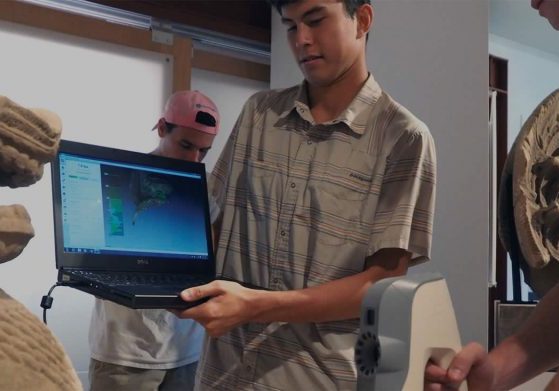
Artec Education Package
The Artec Education Package for schools and universities, provides students with affordable high tech Artec 3D scanning equipment and software.
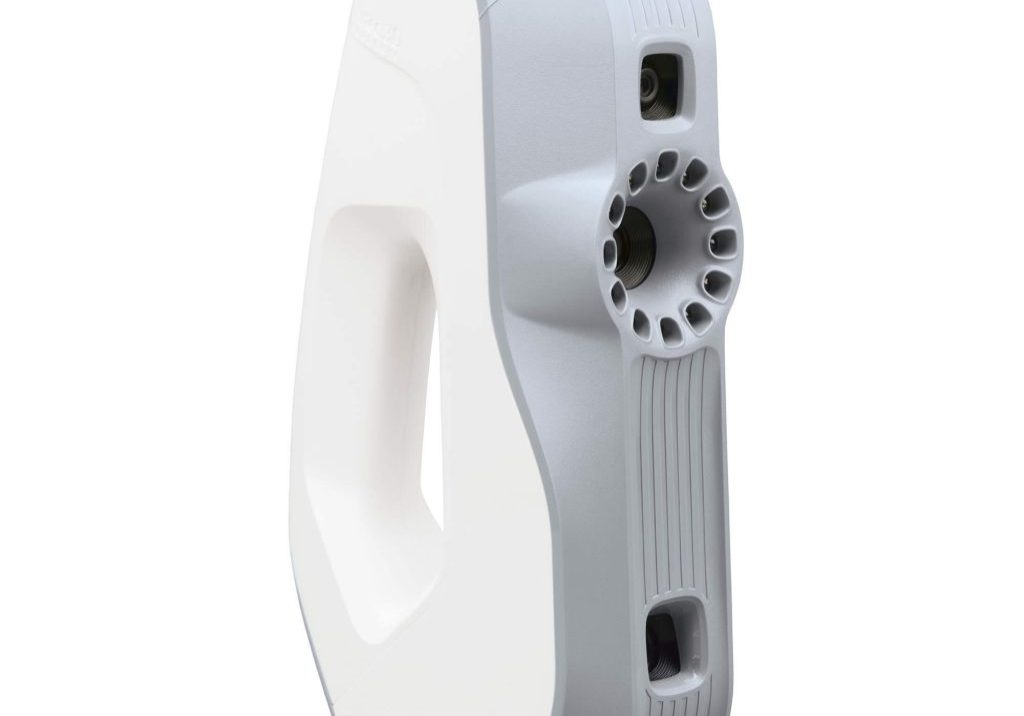
Artec Eva
Artec Eva is a hand-held 3D scanner, ideal for making a quick, textured and accurate 3D model of medium sized objects such as a human bust or an alloy wheel

Artec Leo
Artec Leo is a smart professional 3D scanner for a next-generation user experience; see your object projected in 3D directly on the integrated HD display.
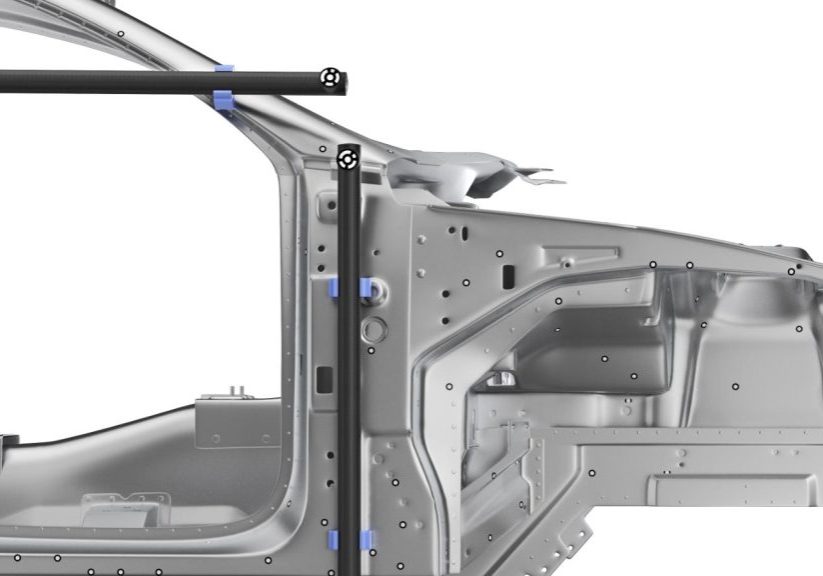
Artec Metrology Kit
A photogrammetry solution with metrology-grade precision and high-end volumetric accuracy for inspection and reverse engineering
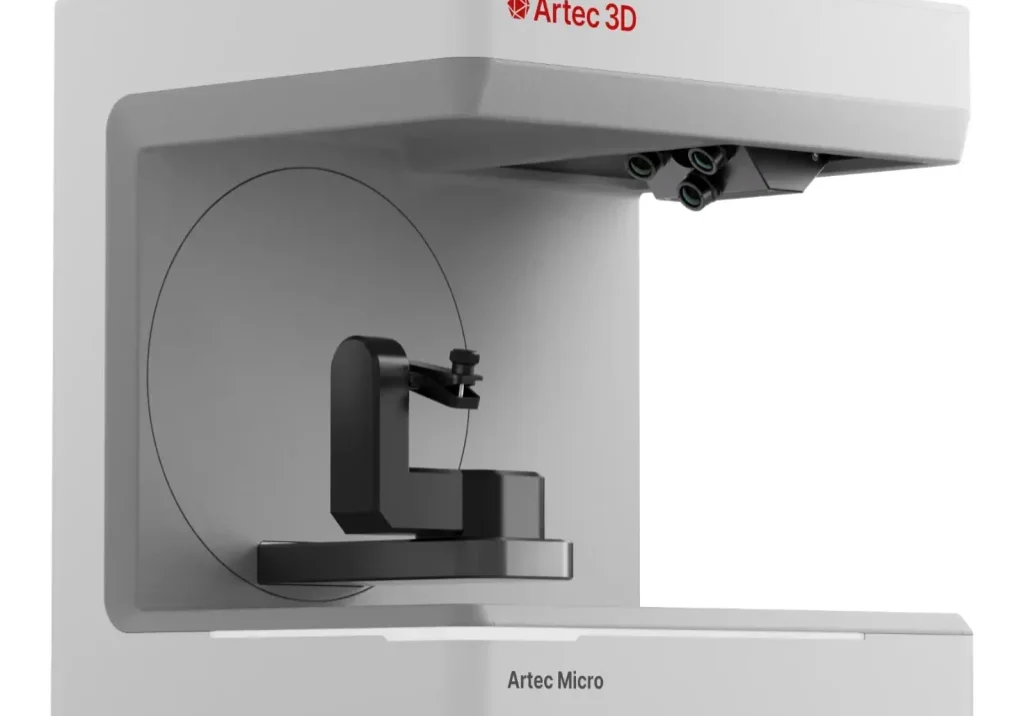
Artec Micro
Artec Micro metrology-grade industrial desktop 3D scanner suitable for quality control and precision mechanics of small machine parts, jewelry and dentistry
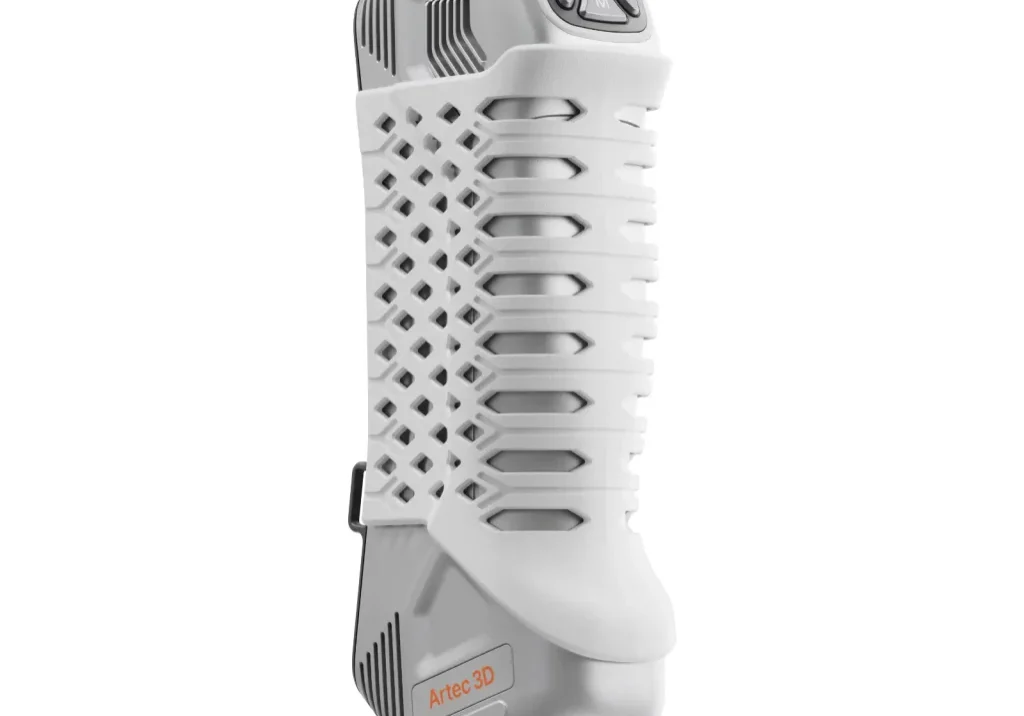
Artec Point
The Artec Point is a target-based 3D laser scanner that puts ISO-certified, metrology-grade 3D scanning in the palm of your hand.

Artec Ray
The Artec Ray is a high accuracy long-range laser 3D scanner, ideal for precise capture of large objects such as wind turbines, airplanes, and buildings.
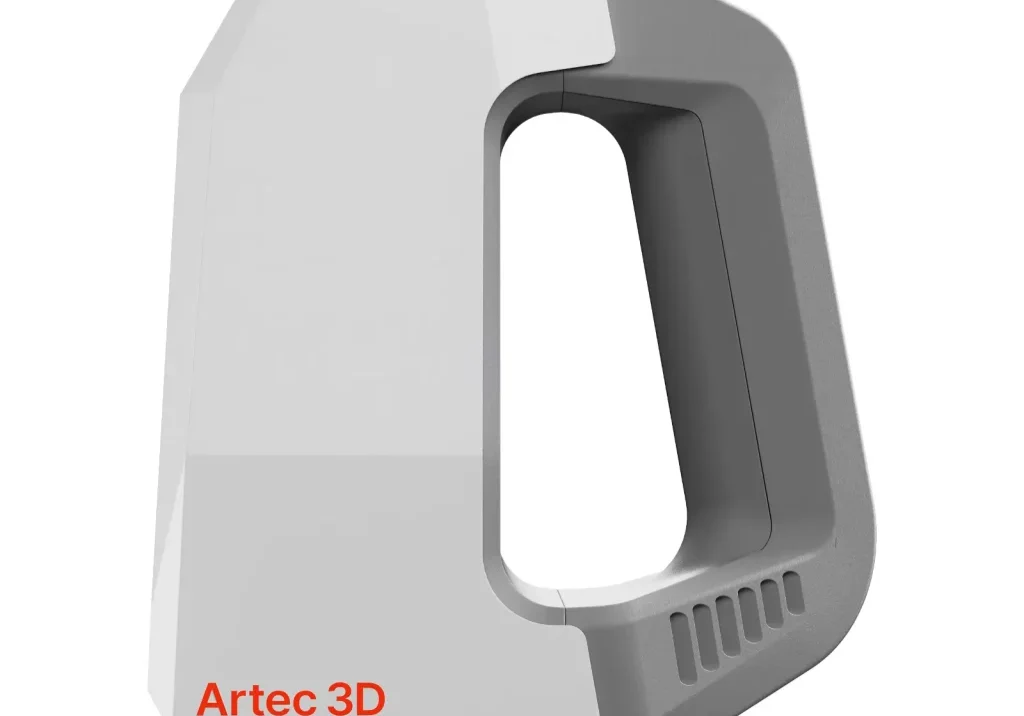
Artec Space Spider II
Artec Space Spider II is a hand-held 3D scanner designed specifically for CAD users and perfect for reverse engineering, product design, and quality control.

High Definition (HD) 3D Scanning
Artec handheld 3D scanners are now even better thanks to the new AI-powered High Definition (HD) Mode, for capturing even more detail.
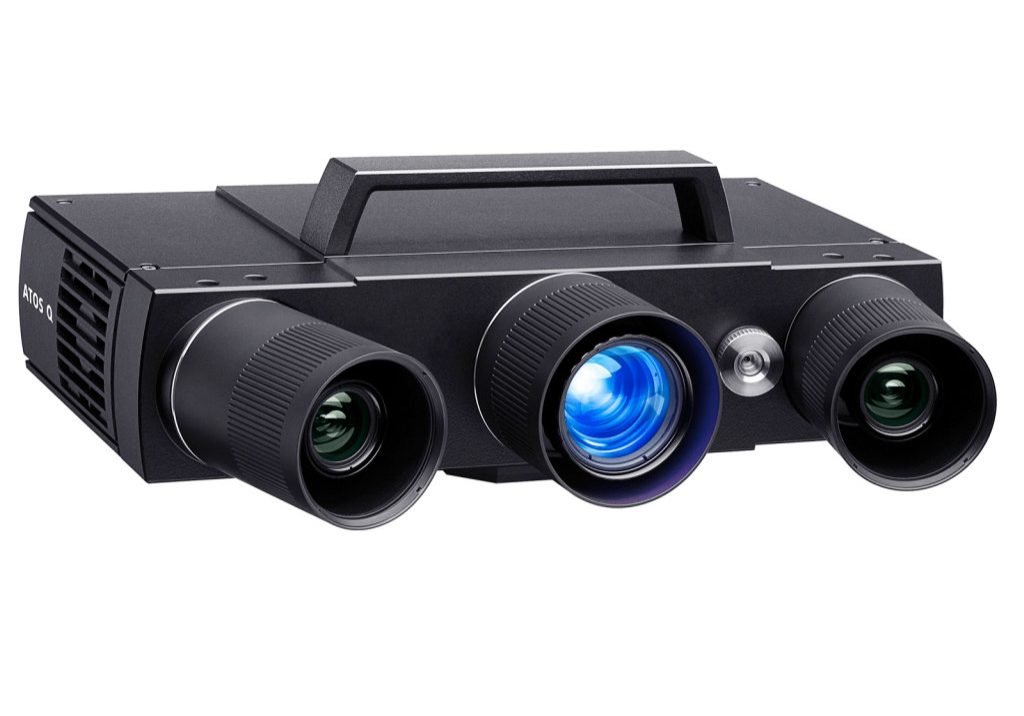
ZEISS ATOS Q
ZEISS ATOS Q 3D scanner is reliable and versatile, perfectly suited for complex measurement and inspection tasks.

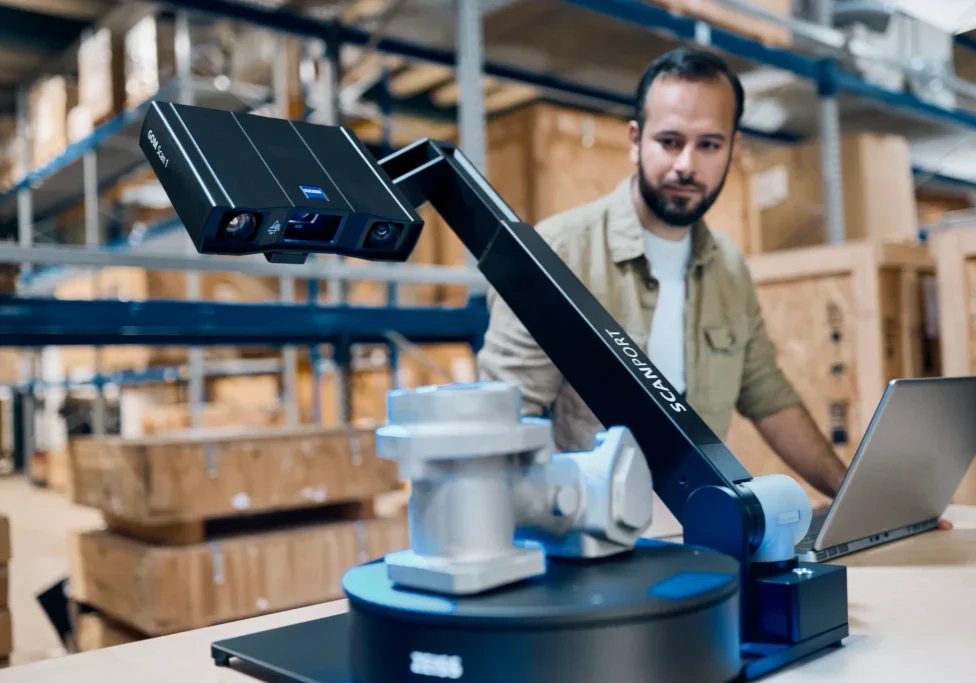
ZEISS GOM Scan 1
The ZEISS GOM Scan 1 is a small scanner for precise meshes and big ideas. Compact, mobile and versatile, ideal for CMM.

ZEISS METROTOM 1
The ZEISS METROTOM 1 3D scanner uses advanced computed tomography (CT) technology to scan parts non-destructively and explore their internal features

Recommended Laptop Hardware: Dell Precision 7780 Workstation

- CPU Intel Core i9-13950 HX, 36 MB cache, 24 cores, 32 threads
- 64 GB RAM 5600 MHz, DDR5
- NVIDIA RTX 3500 Ada 12 GB GDDR6 graphics card
- 17" FHD display
- 1 TB SSD hard disk
- External USB system backup hard disk for incremental backups
- I/O: WiFi, LAN
- Wheel mouse
- 2x USB 3.2 / 2x Thunderbolt 4
- Operating system: Windows 11 (64 bit)
- 5 years of Dell ProSupport
- Local Dell ProSupport with 24/7/365 availability via phone or remote access
- On-site service on the next work day after completed remote diagnostics
- Free spare parts
Interested in ZEISS Inspect software?
Call us free at 1-877-219-6757 and get your questions answered