







Video
Javelin Demonstration, Case Study, and News Videos

What’s New in SOLIDWORKS 2025?
Join us for a deep dive into the latest new features of SOLIDWORKS 2025! From new 3D CAD tools and performance updates to SOLIDWORKS PDM and Simulation, users and businesses can start to take advantage of these enhancements all across the SOLIDWORKS portfolio. Join our global SOLIDWORKS experts, TriMech Group Elite Applications Engineer, Sawyer Gara…

Get To Know SOLIDWORKS Electrical
One of the toughest challenges faced by design teams is ensuring that the electrical and mechanical teams are working as cohesively as possible. Typically, the design tools used are disconnected and offer little to no integration between the electrical schematic and the mechanical assembly. The collaboration is often an afterthought and when done is a…
Maintenance Plans and SQL Performance Tips
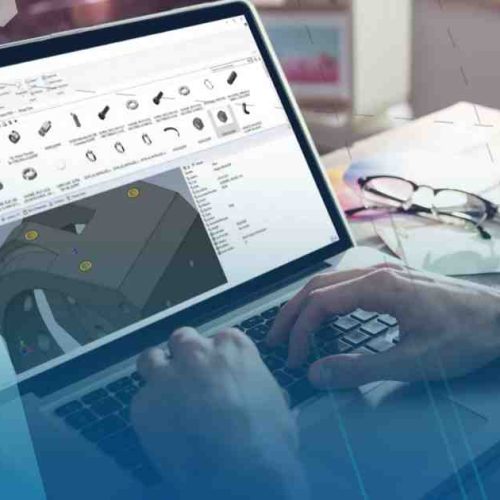
SOLIDWORKS PDM provides teams with control over their data. Over time, as the data stored in the vault grows and grows, and more and more users may need to access that data, how can we ensure that the performance of the vault is maintained? Join us as TriMech Systems Architect, Andrew Lidstone, discusses best practices…

Interesting and Unique Uses for DriveWorks CPQ
DriveWorks CPQ is well known for its best-in-class SOLIDWORKS automation capabilities, dynamic quoting and document automation, and universal integration into business systems such as ERP, MRP, CRM and more! Have you ever wondered what happens when you leverage the underlying technology of DriveWorks to take things even further? Join us as TriMech Automation and CPQ…

Importing Manufacturer Parts into SOLIDWORKS Electrical Schematic 2D
Importing a manufacturer part into SOLIDWORKS Electrical Schematic was once a tedious process that left a lot of disconnect in the manufacturer part information if it wasn’t set up correctly. SOLIDWORKS Electrical always has great new enhancements with each version of the software, but this time SOLIDWORKS has snuck in an amazing, timesaving feature into…
3D Scanning with the Artec Ray and Leo
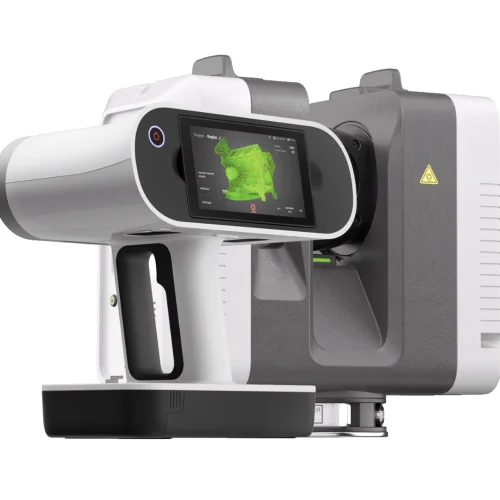
Use the Artec Ray and Leo for a powerful combination of 3D scanners that enables you to create stunning scans when merging the scan data into one model.