







Technical Support
Comprehensive Tech Support for Subscription Service Customers
FAQs & Technical Articles
SOLIDWORKS Hardware & License FAQs
-
SOLIDWORKS Upgrade Checklist
-
SOLIDWORKS 2026 Hardware Recommendations
-
SOLIDWORKS 2025 Hardware Recommendations
-
SOLIDWORKS 2024 Hardware Recommendations
-
SOLIDWORKS 2023 Hardware Recommendations
-
SOLIDWORKS PDM & Manage 2025 Hardware Recommendations
-
SOLIDWORKS System Requirements (official site)
-
All System Requirements & FAQs for current & previous releases on our blog
SOLIDWORKS Installation & Setup FAQs
Upcoming Events and Webinars

Simplify complex processes: Configure products in 3D & sell more
In this webinar, DriveWorks product experts will share their knowledge and give you an introduction to using DriveWorks as a 3D Sales Configurator.
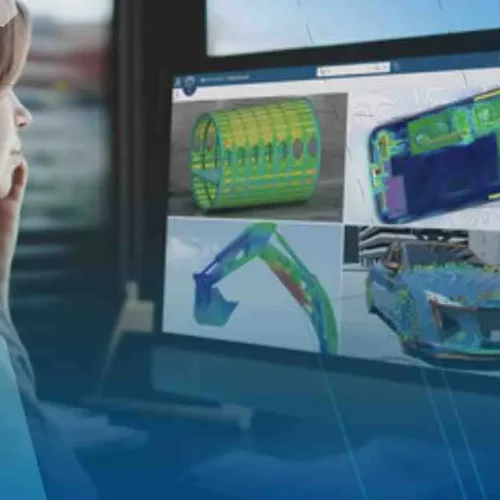
Finite Element Analysis Powered by AI | Introducing Next Generation FEA Simulation
Modern advancements are transforming finite element analysis (FEA) from a time-consuming validation step into a powerful, design-driving capability. As traditional…
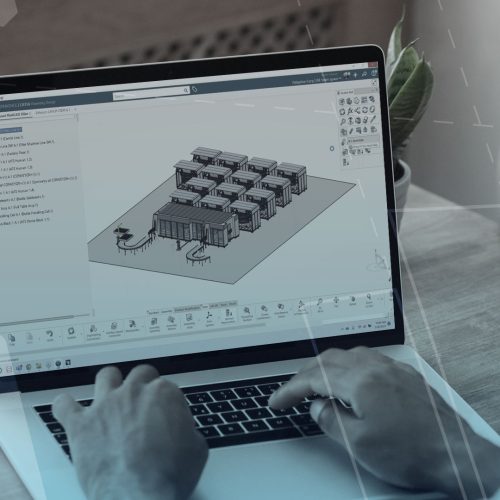
Tackling Large Assemblies | Exploring Workflows Beyond Traditional SOLIDWORKS Limits
Working with large, complex assemblies in SOLIDWORKS can quickly become challenging. Large assemblies impact performance, collaboration, and overall productivity. This…

Accelerating Systems Engineering with MBSE and CATIA Magic
Model-based systems engineering (MBSE) serves a critical role in modern product development. Moving beyond document-based approaches to a model-based approach,…
Recent service reviews from clients
SOLIDWORKS Subscription Services
Improve your performance and productivity with Javelin services

Technical Support
With SOLIDWORKS Subscription Service, you have access to extensive help from our SOLIDWORKS experts. Which will enhance your software investment and guide you through development challenges.
Benefits
- Live Technical Support from our certified support team.
- Remote Support to solve your technical issue right on your machine.
- Regular Communication of software updates and technical tips and tricks.

Upgrades & Resources
Enjoy the latest version of your software and direct access to a comprehensive library of drawings, parts, assemblies, and features contributed by users around the globe.
Advantages
- Automatic Upgrades to the most Up-to-date Version of your SOLIDWORKS software.
- FREE access to the SOLIDWORKS Customer Portal for Macros, Documentation, and the ability to submit Enhancement Requests.
- Full access to the SOLIDWORKS Knowledge Base for Articles, Tech Tips, and Best Practices.

Online Training & Certification
A MySolidWorks online account is included with your subscription service where you can get answers, stay current, and sharpen your design skills with online training.
Features
- Your MySolidWorks Standard Account includes 600+ online tutorial videos.
- FREE access to SOLIDWORKS testing and certification to help you become a Certified SOLIDWORKS Associate (CSWA) or Professional (CSWP).
Do you need Technical Suppport
Call us free at 1-877-219-6757 and get your questions answered